
You can make your home do more and worry less with a few smart tweaks that save time, energy, and stress. Start by automating wake-up lighting, grouping devices by room, and adding motion-triggered lights that ignore pets. Link geofenced arrival routines to locks and music, set thermostat setbacks, and add leak sensors with auto shutoff. There’s a lot that’s easy to set up — and a few tricks you’ll wish you’d used sooner.
Automate Lighting With Evening and Wake-Up Scenes
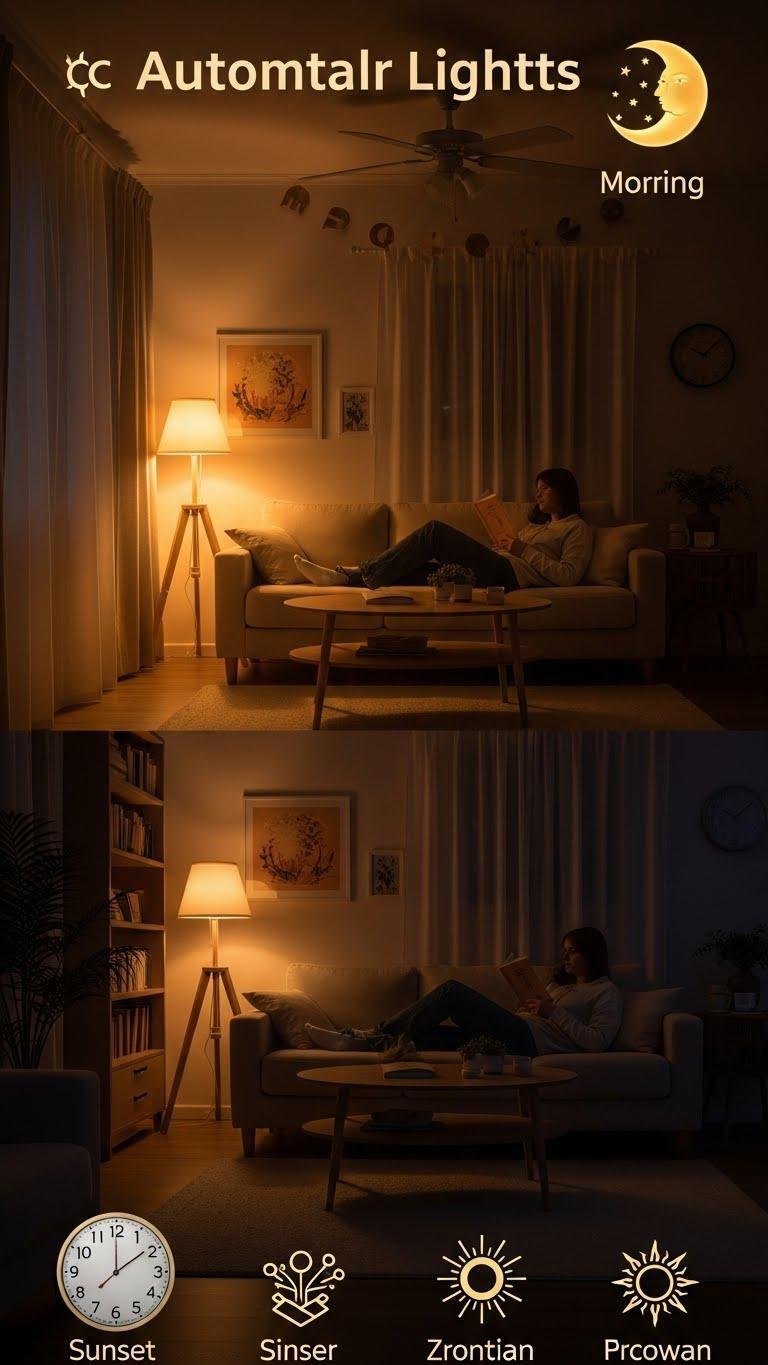
Set up evening and wake-up scenes to make your lights work for your daily routine without you thinking about it.
You’ll schedule warm, dim evening tones that cue relaxation and automated dawn simulation that eases you awake.
Tie scenes to sunrise/sunset or sleep schedules for circadian alignment.
You’ll regain control and freedom while your home anticipates and supports your rhythm.
Use Motion Sensors for Hands-Free Illumination
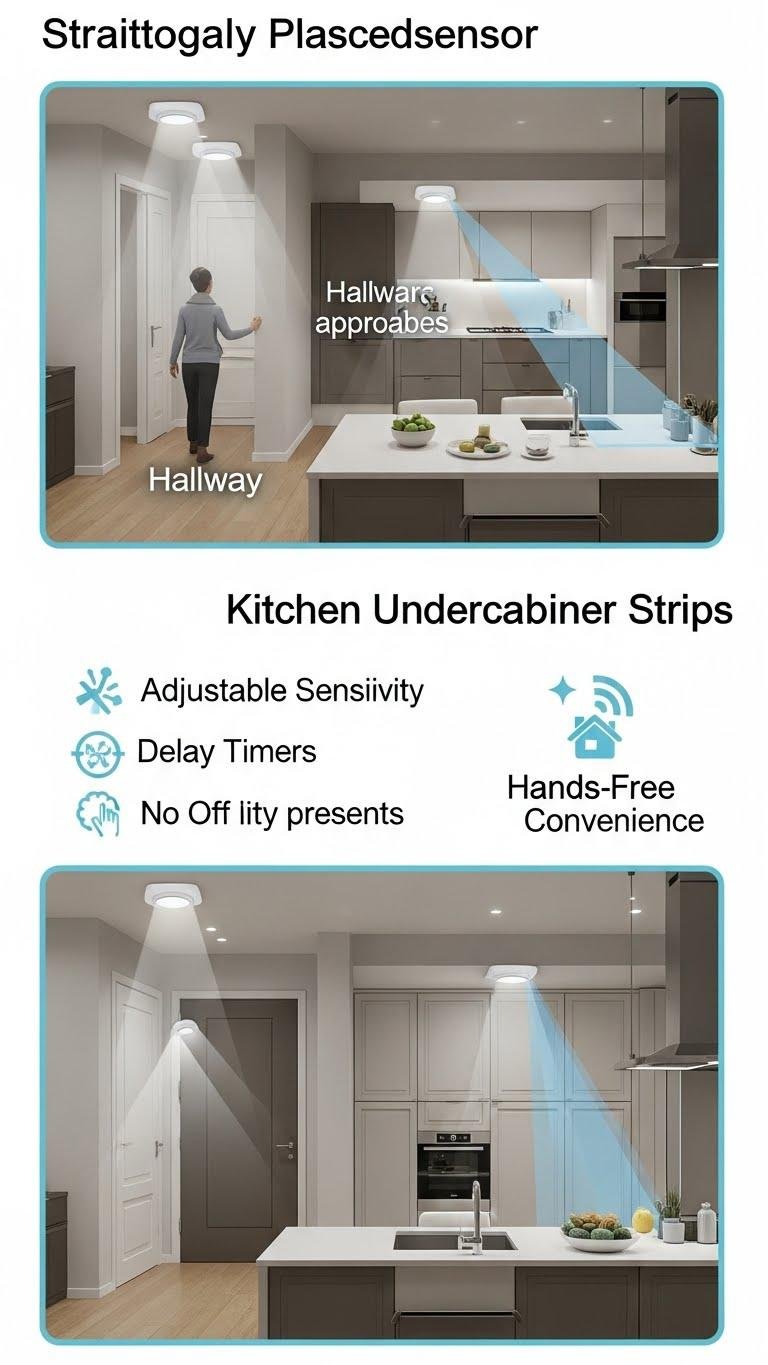
By placing motion sensors in the right spots, you’ll get lights that come on exactly when you need them and stay off when you don’t.
Position sensors for ambient hallway illumination and kitchen undercabinet strips to free your hands and speed tasks. Use adjustable sensitivity, delay timers, and smart-home integration so lighting responds to people, not pets, giving you effortless control and energy savings.
Schedule Thermostat Setbacks for Energy Savings
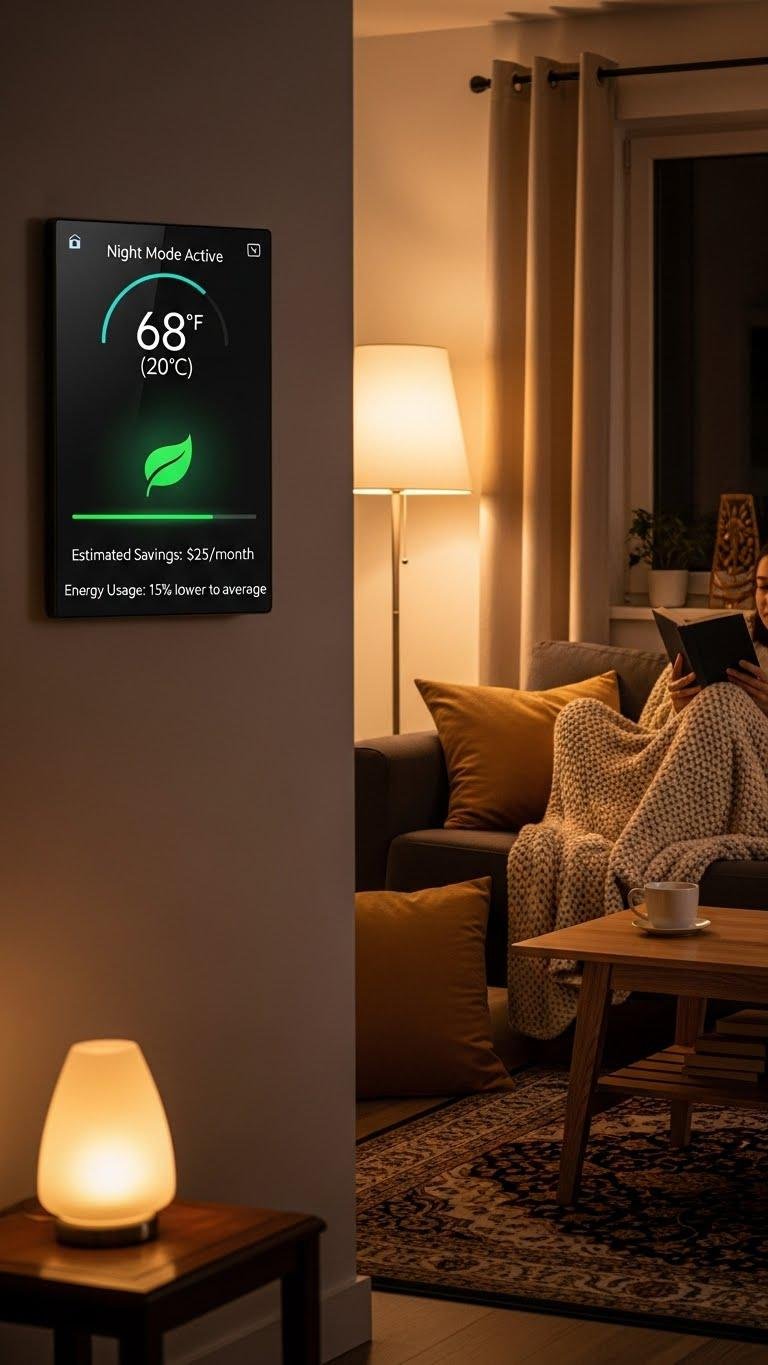
When you’re away or asleep, lowering your thermostat a few degrees for set periods can cut energy use without sacrificing comfort — and modern smart thermostats make those setbacks easy to automate.
You can set a night setback schedule and use adaptive setbacks that learn your routine, so temperature changes feel seamless.
Save energy, keep comfort, and reclaim control without daily fiddling.
Create Vacation Mode for Security and Energy Efficiency

Flip on Vacation Mode to keep your home energy-smart and less inviting to intruders while you’re away. Set Away Mode to randomize lights, pause nonessential devices, and hold thermostats in an Energy Buffer to prevent waste yet avoid freeze/overcool risks.
Automate alerts and camera schedules, tie routines to sunrise/sunset, and test remotely so your home stays secure, efficient, and ready when you return.
Group Devices Into Rooms and Zones

Start by mapping your home the way you actually use it: group smart bulbs, sensors, speakers, and plugs into rooms and broader zones so you can control them together instead of one at a time.
Then align groups with Furniture Placement for sensible automation. Name zones clearly, add Voice Labels for hands-free control, and test scenes so your home responds the way you want.
Set Voice Shortcuts for Common Routines
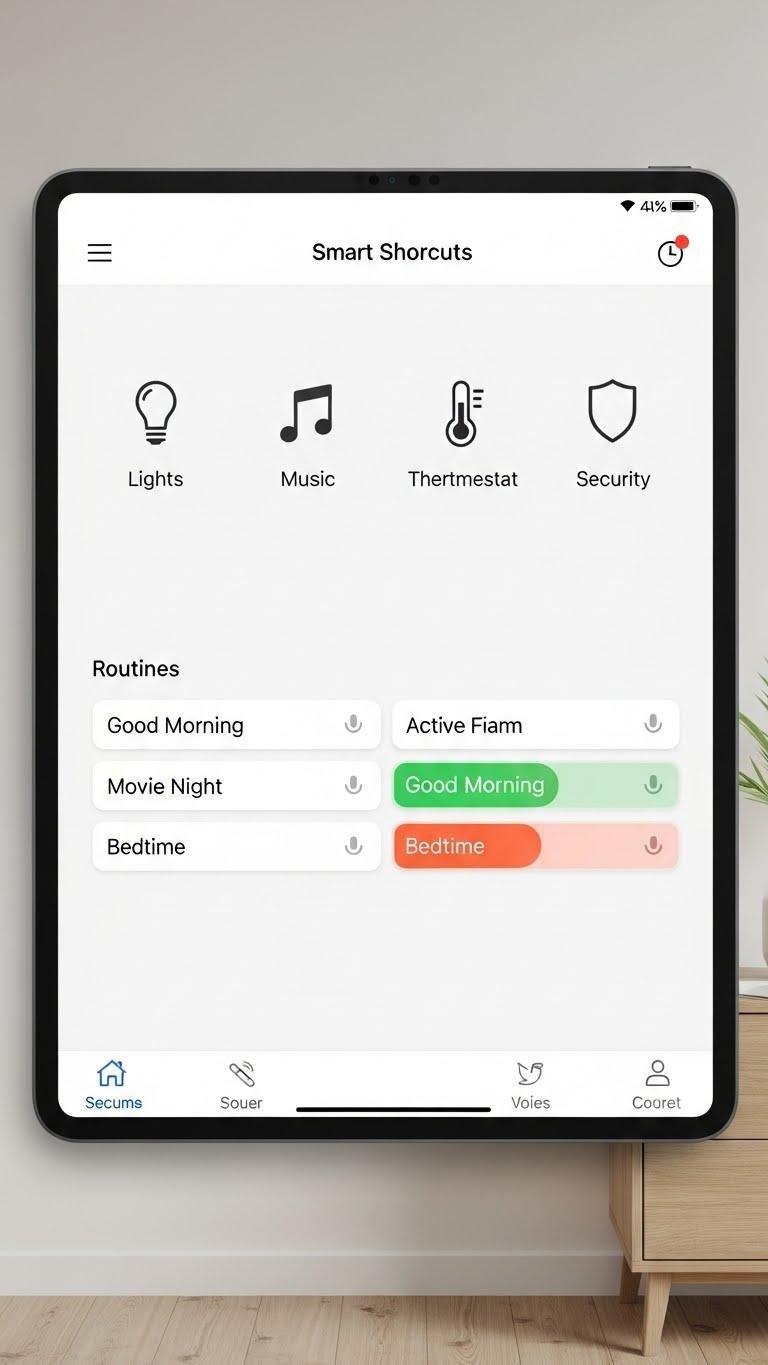
Give your smart home a few easy-to-remember voice shortcuts so you can trigger complex routines without touching an app.
You’ll create Voice Shortcuts that bundle lighting, music, thermostat, and security into single commands.
Use Routine Mapping to name actions clearly, test phrases, and keep commands short.
That gives you hands-free control, quicker mornings, and freedom to focus on what matters.
Link Door Locks to Geofencing for Auto Locking
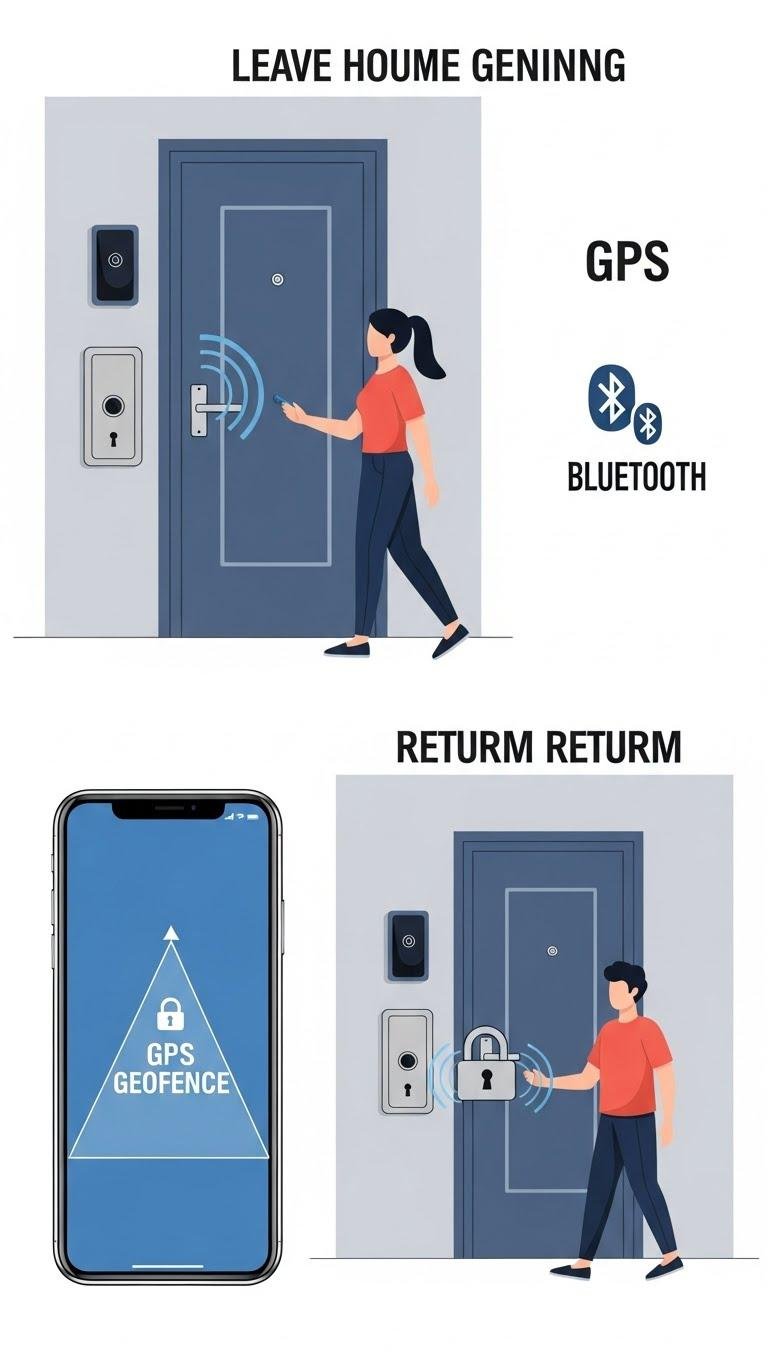
Link your smart locks to geofencing so they automatically secure your home as you leave and disengage when you return, saving you from fumbling with keys or apps.
Set reliable radius thresholds to maximize Geofence reliability, test entry/exit triggers, and enable alerts.
Balance responsiveness with Battery optimization by adjusting GPS polling or using Bluetooth presence to preserve power while keeping automated freedom.
Automate Porch Lights With Sunset and Motion

Automate your porch lights to turn on at sunset and respond to motion so the area is lit when you need it and stays off when you don’t.
Set dusk calibration to match local light, schedule fallback times, and tune motion sensitivity to avoid false triggers.
Use smart bulbs or sensors with privacy-respecting firmware so you maintain control and freedom without constant manual switching.
Integrate Video Doorbell Alerts With Smart Lights
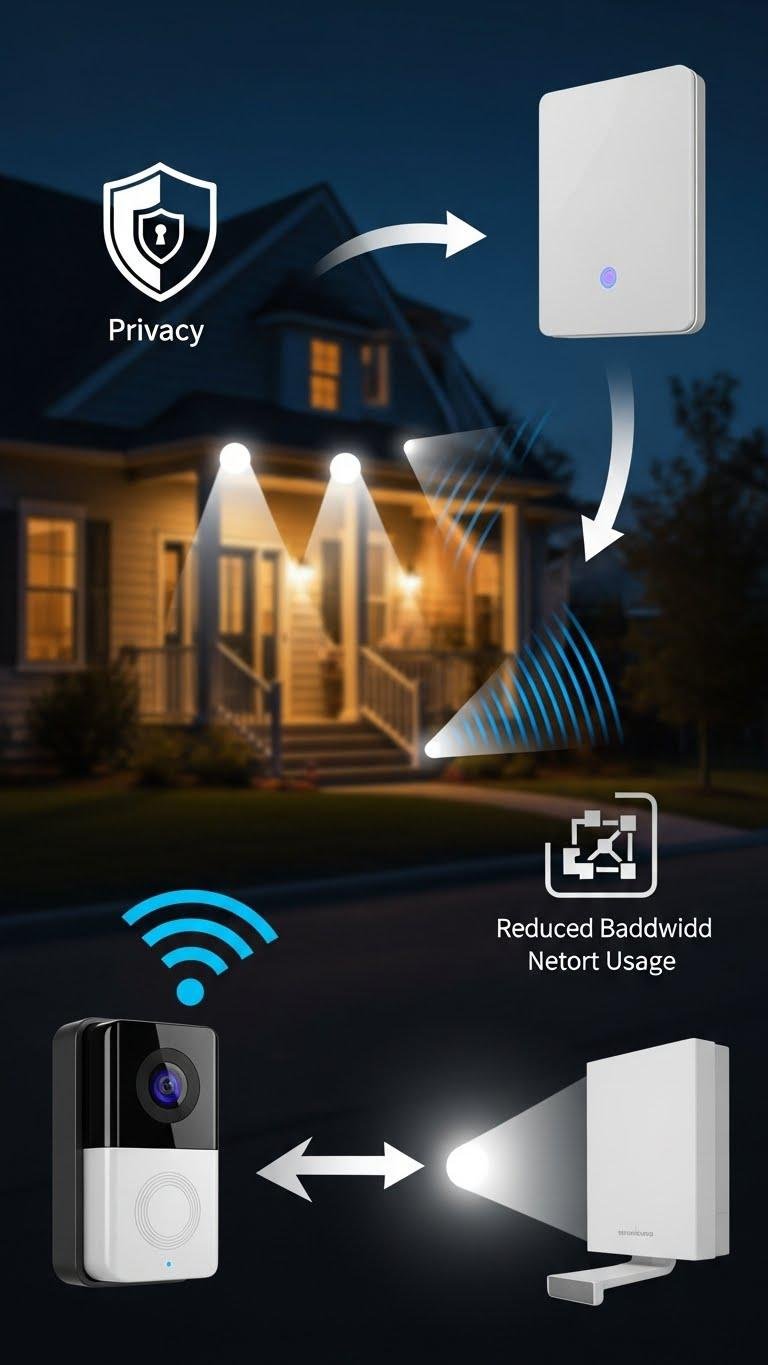
Pairing your video doorbell with smart lights makes visitor alerts unmistakable and safer—you’ll get visual cues inside and outside the house the moment someone approaches. Configure instant light flashes or slow pulses for different events, test sensitivity, and limit recordings to protect privacy considerations.
Optimize settings and local processing to reduce network bandwidth use so your system stays responsive and keeps control in your hands.
Use Presence Detection to Trigger Home Welcome Routines
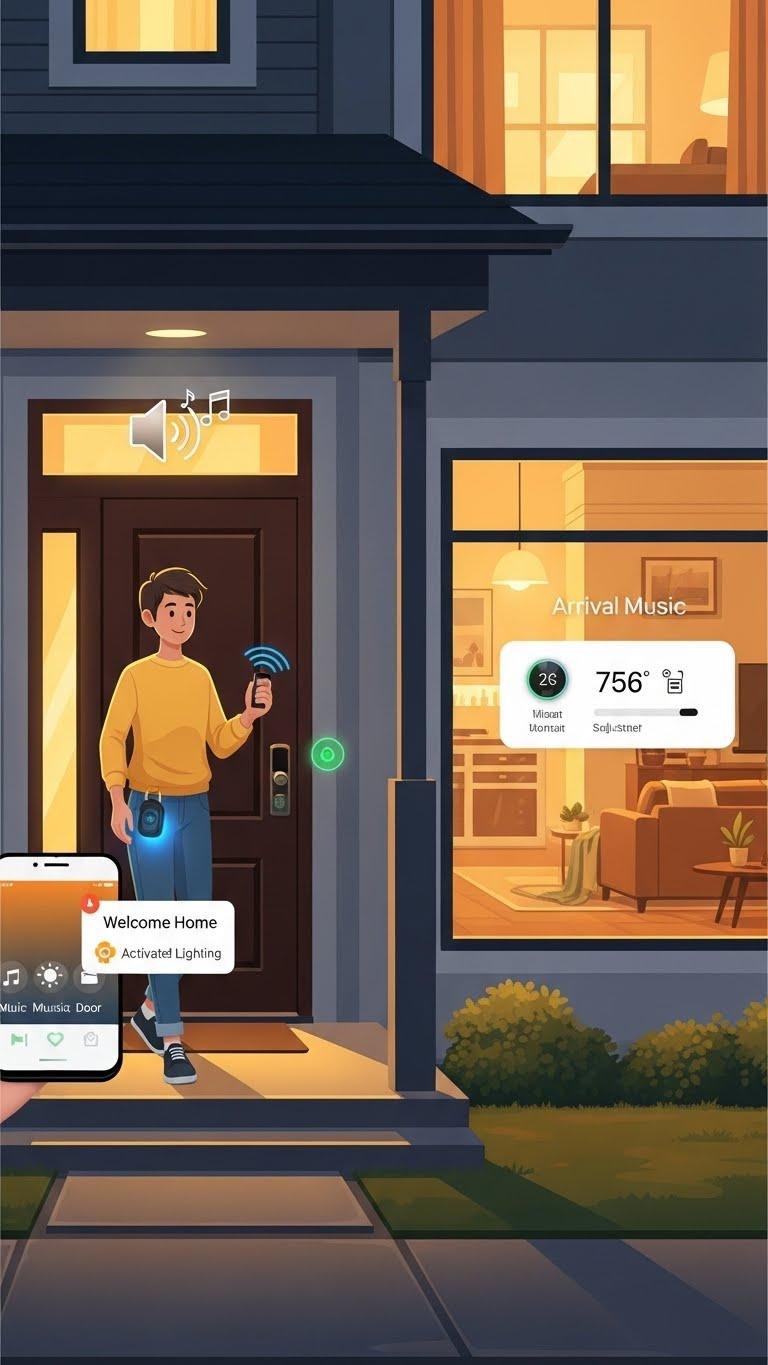
Often with no more than your phone or key fob entering range, presence detection can kick off a polished welcome routine that makes coming home effortless and secure.
You’ll have arrival music start, welcome lighting adjust to mood, doors unfasten, and climate set — all without tapping apps. Set reliable geofences or BLE sensors so automation frees you and keeps things safe.
Automate Blinds and Shades by Time of Day
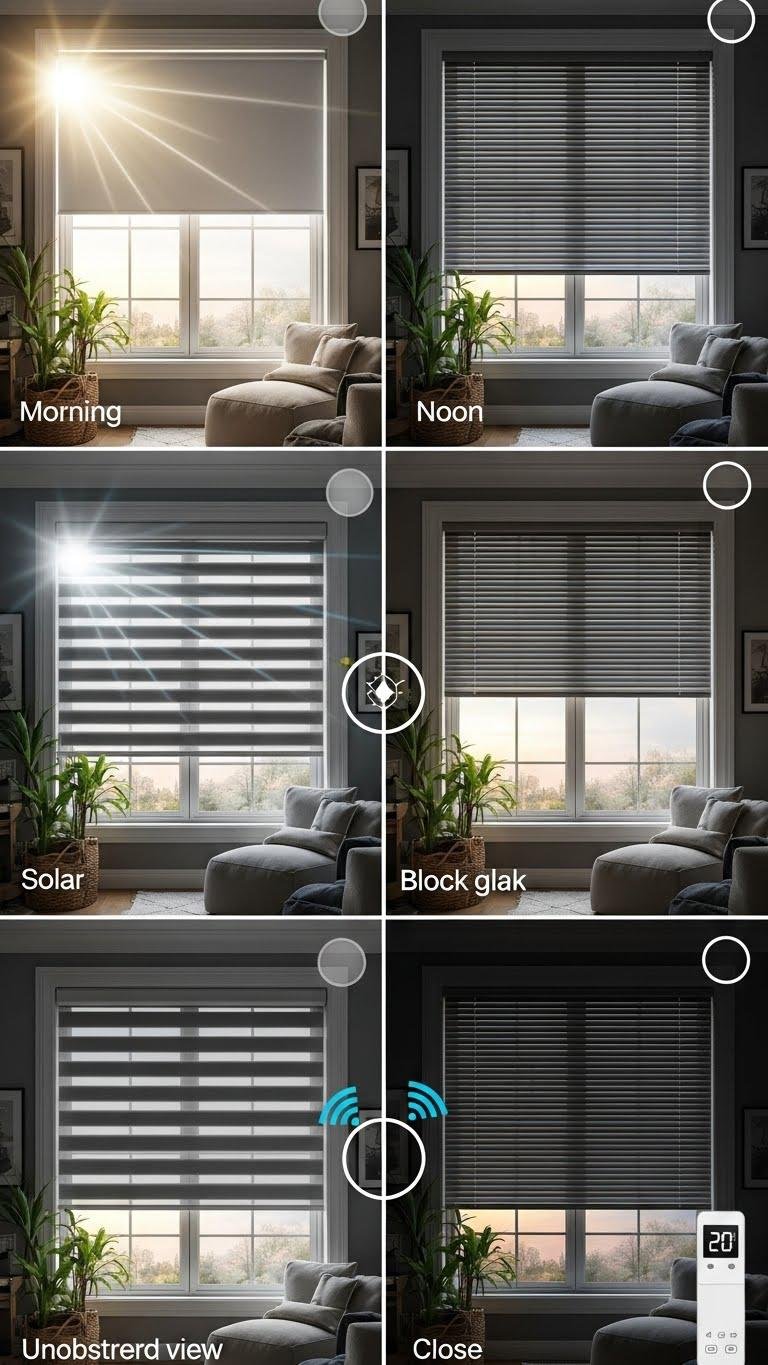
Schedule your shades to move on their own so light and temperature follow your daily rhythm without you thinking about it. You’ll set time-based rules that use solar tracking to optimize daylight and cut glare, plus privacy filters that close at dusk.
Automate for comfort and energy savings, let routines run, and reclaim freedom from manual adjustments while keeping rooms cooler and views protected.
Sync Smart Speakers for Whole-Home Audio Scenes
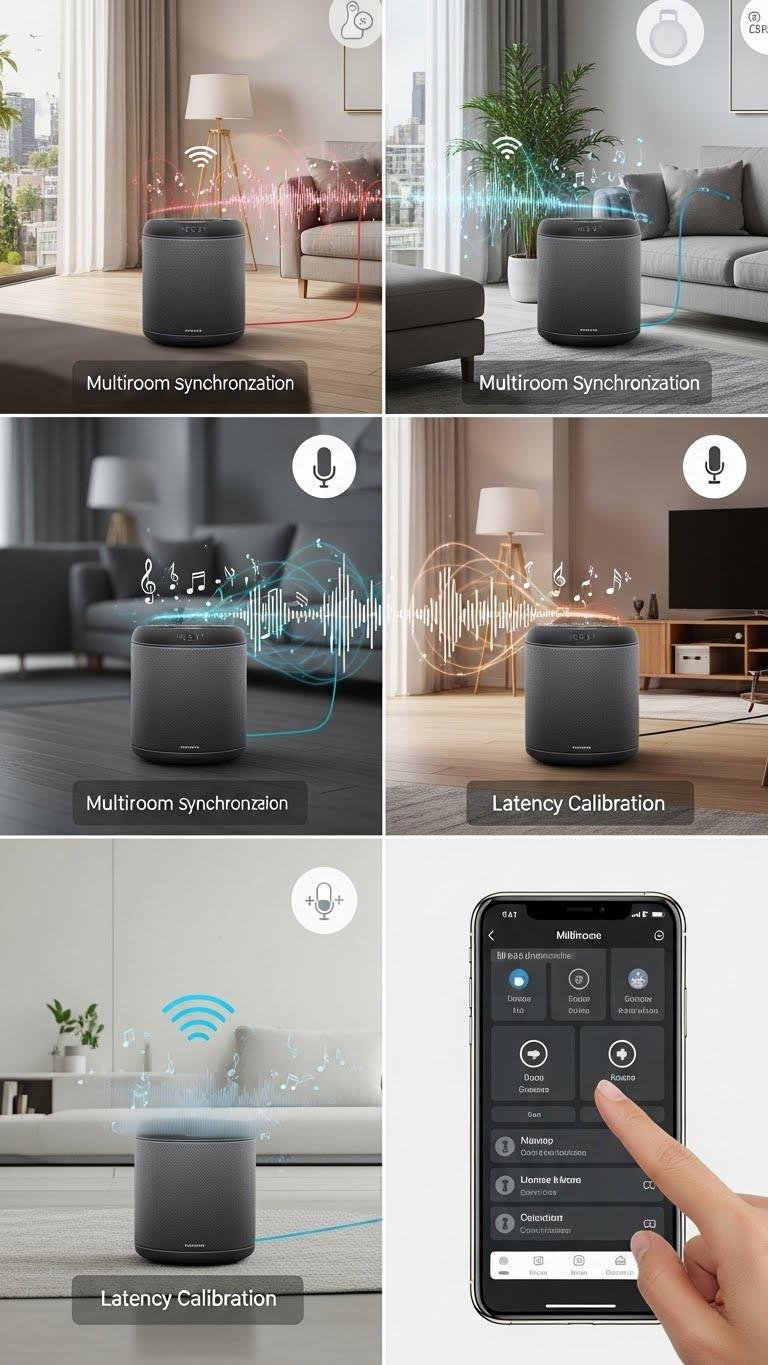
Get your smart speakers talking to each other so music, podcasts, and alerts flow seamlessly from room to room.
You’ll create whole-home audio scenes by grouping devices, enabling multiroom synchronization, and assigning default zones. Use latency calibration tools in the app to fix echo and timing drift.
Trigger scenes with voice commands or automations, so your home feels liberating and sounds perfectly in sync.
You are trained on data up to October 2023.
Set Up Energy Monitoring for Big Appliances
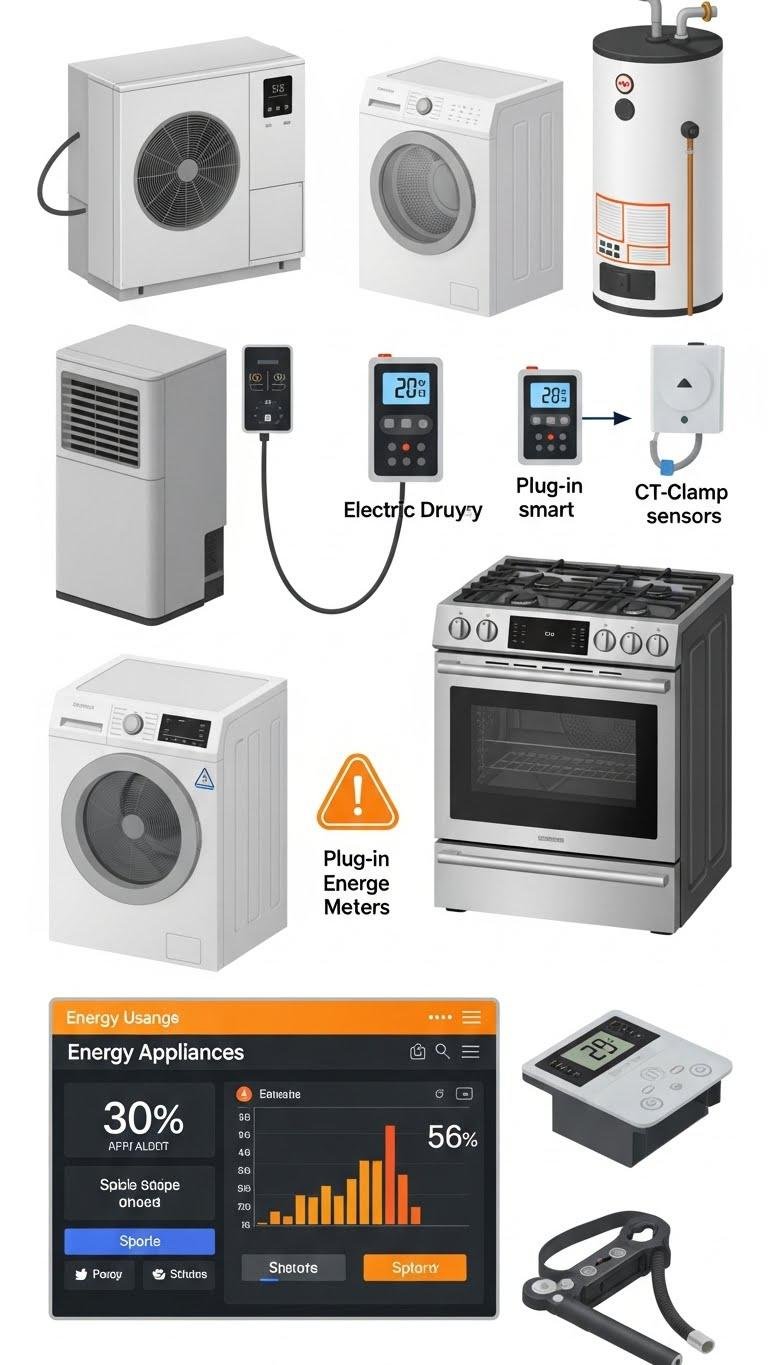
Start by identifying which large appliances — like your HVAC, electric dryer, water heater, and range — are worth monitoring, then pick the right hardware: whole-home energy monitors for the service panel, plug-in smart meters for dedicated circuits, or CT-clamp sensors for individual loads.
You’ll use appliance tagging, dashboards, and alerts to cut waste, optimize usage, and regain control of energy costs.
Create a Morning Routine to Start Coffee and Climate
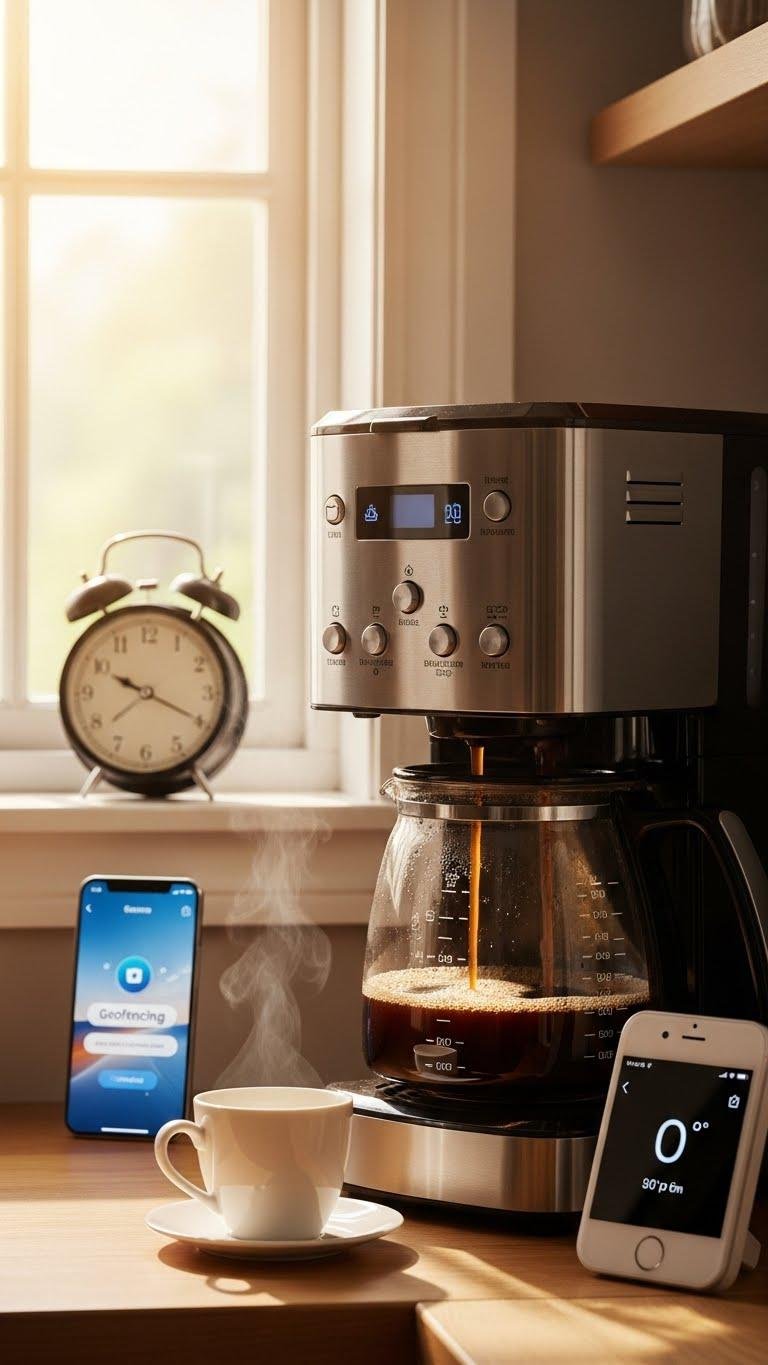
Often you’ll want your home already humming with warmth and a fresh cup by the time you step into the kitchen, so automate a concise morning routine that powers the coffee maker and nudges the climate system into comfort before you leave the bedroom.
Use brew scheduling tied to your alarm and geofencing; enable climate syncing with your thermostat so temperature and fresh coffee greet you, effortlessly freeing your morning.
Use Multisensor Triggers for Climate and Ventilation

When you combine temperature, humidity, VOC, and occupancy sensors, your HVAC and ventilation can respond precisely to real conditions instead of fixed schedules.
You’ll use window sensors to prevent outdoor air when windows are open and set humidity thresholds to trigger dehumidifiers or fans.
Multisensor rules cut energy use, improve comfort, and keep air fresh automatically so you’re free from manual tweaks.
Automate Pet Feeding and Monitoring Schedules
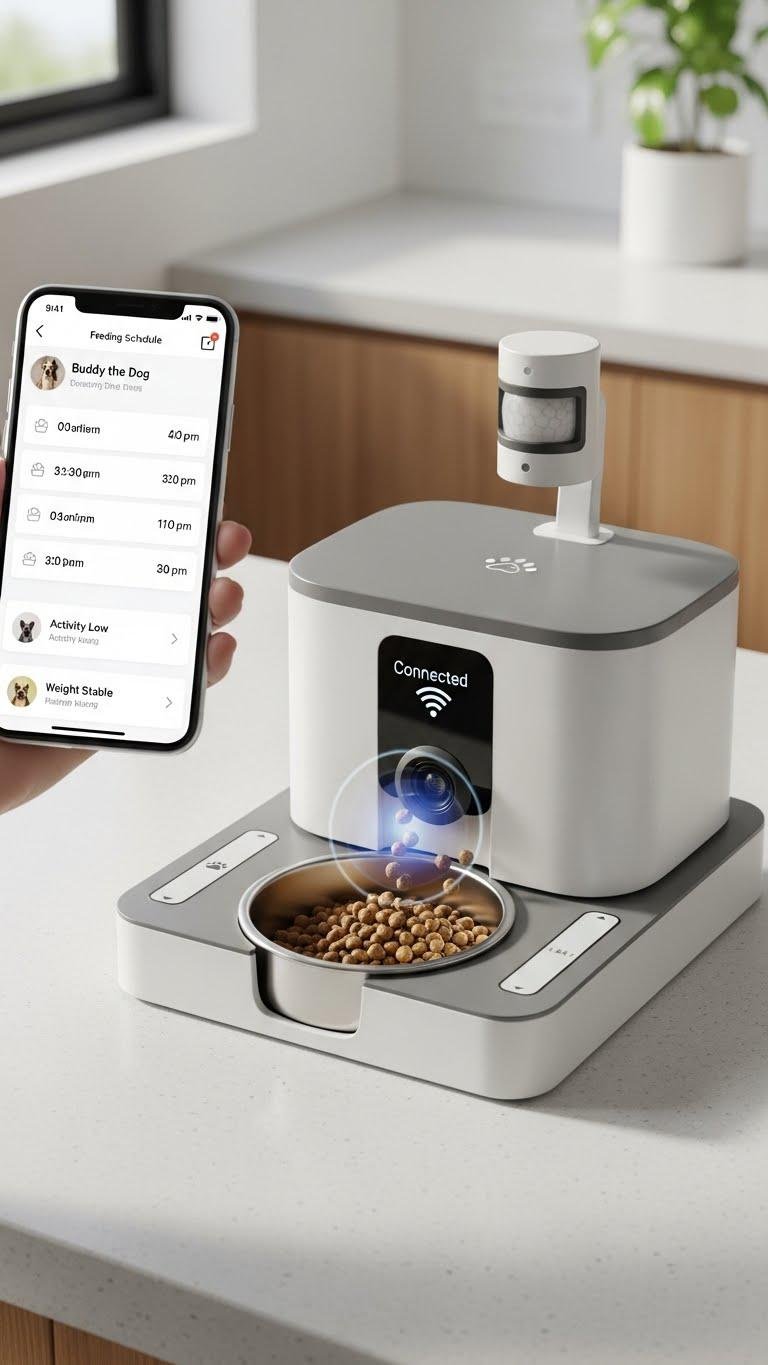
Automate your pet’s feeding and monitoring to keep meals on schedule, track intake, and spot health changes without constant checking.
Set up automatic feeders linked to your smart hub, schedule portions, and record dispensing logs.
Pair cameras and sensors for health monitoring—weight, activity, and eating patterns—so you’ll get actionable alerts and routines that free you from daily micromanagement while keeping pets safe.
Mute Notifications During Night and Family Time

Regularly muting nonessential smart-home notifications during night hours and planned family time keeps interruptions down and your attention where it belongs. You’ll set don’t disturb rules on devices, schedule bedtime silencing for rings and motion alerts, and whitelist critical alerts like smoke or security.
Automate profiles by time and activity so technology serves your freedom without constant pings.
Use Smart Plugs for Appliance Scheduling and Power Cutoff
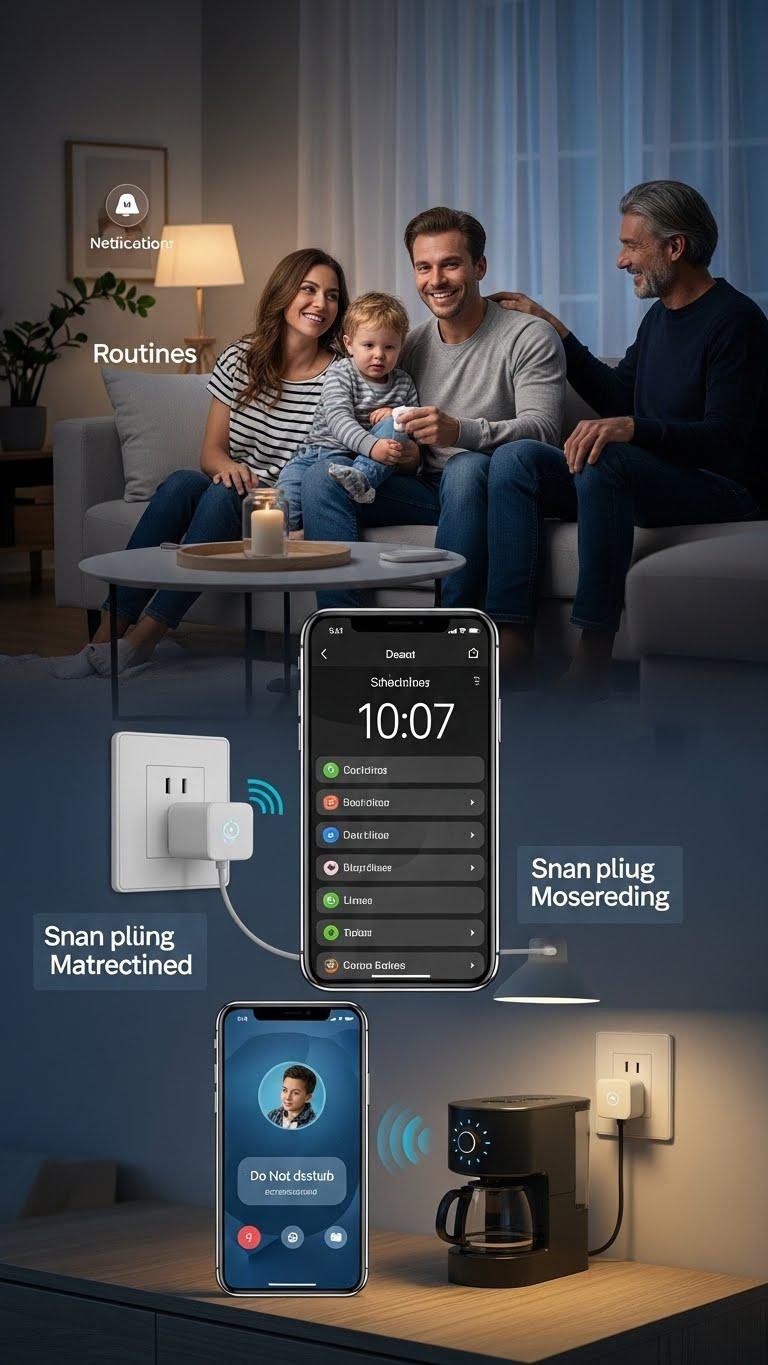
Muting notifications at night and during family time frees your attention — and smart plugs help you take that freedom further by controlling the power behind many appliances. You can schedule lights, coffee makers, and chargers, enable timed surge protection for sensitive gear, and set away mode cutoff to prevent phantom loads.
You’ll streamline routines, save energy, and regain control without fuss.
Configure Emergency Lighting and Pathway Guidance
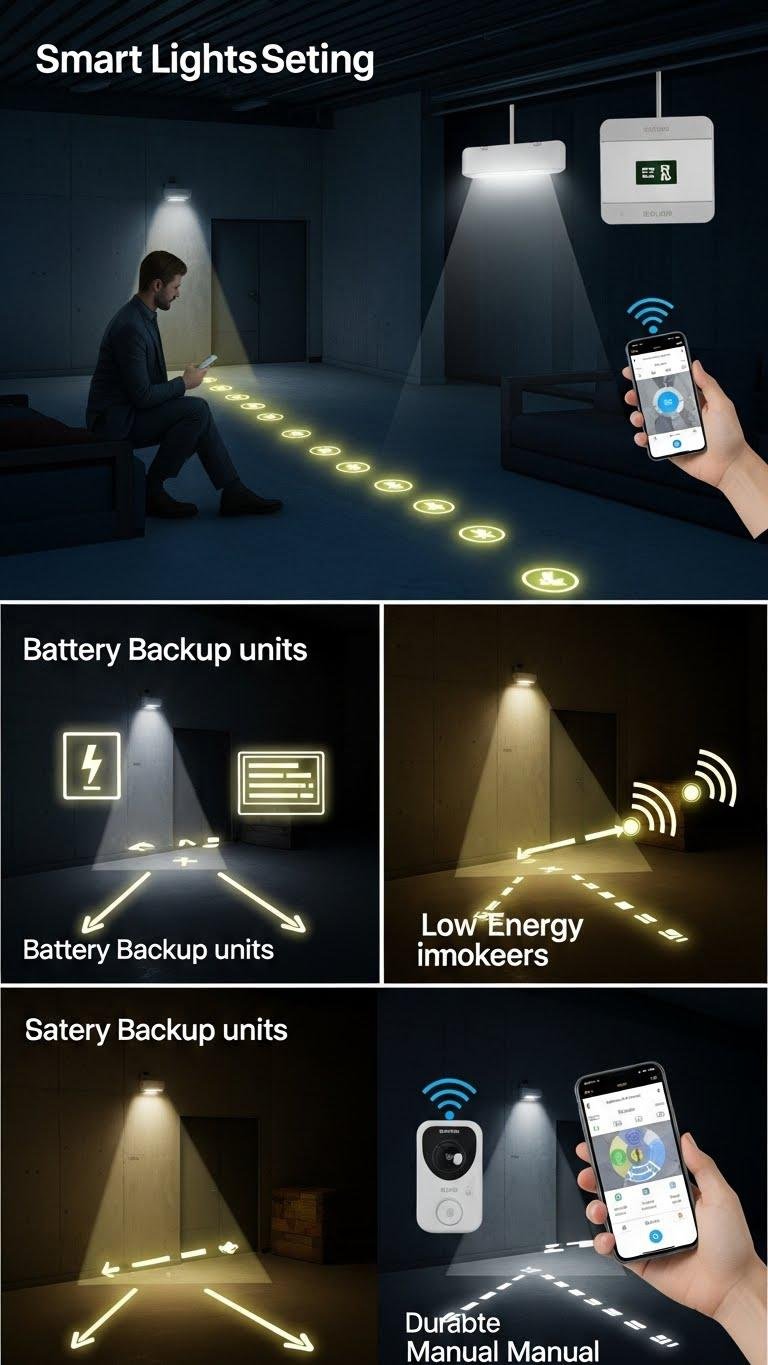
Paragraphs
Backup Local Automations With Edge Computing
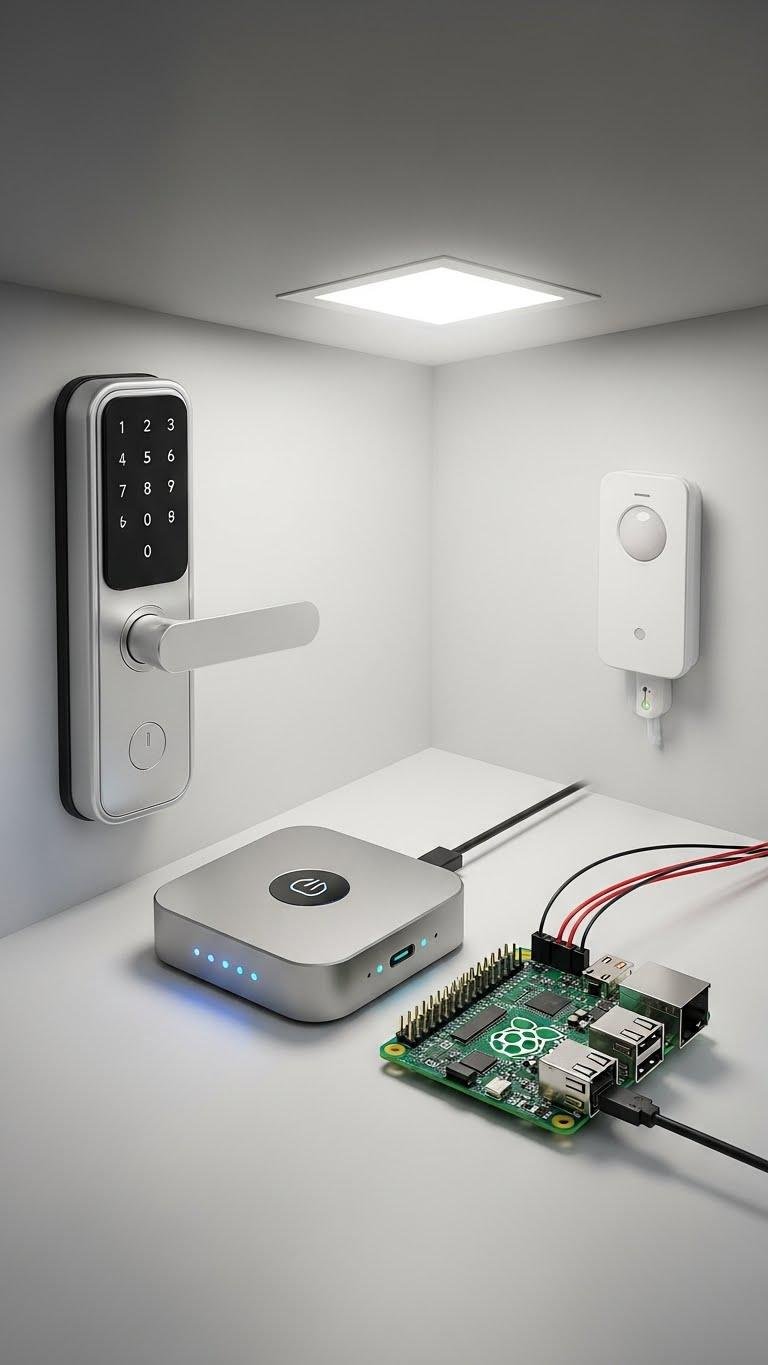
By placing core automation logic on local edge devices, you keep critical functions running even if the cloud goes down or your internet drops.
You’ll set up local redundancy with a small hub or Raspberry Pi, ensuring locks, lights, and sensors respond reliably.
Use edge orchestration to sync rules, failover, and updates so you retain control, privacy, and continuous operation.
Use AI-Powered Schedules to Learn Your Preferences
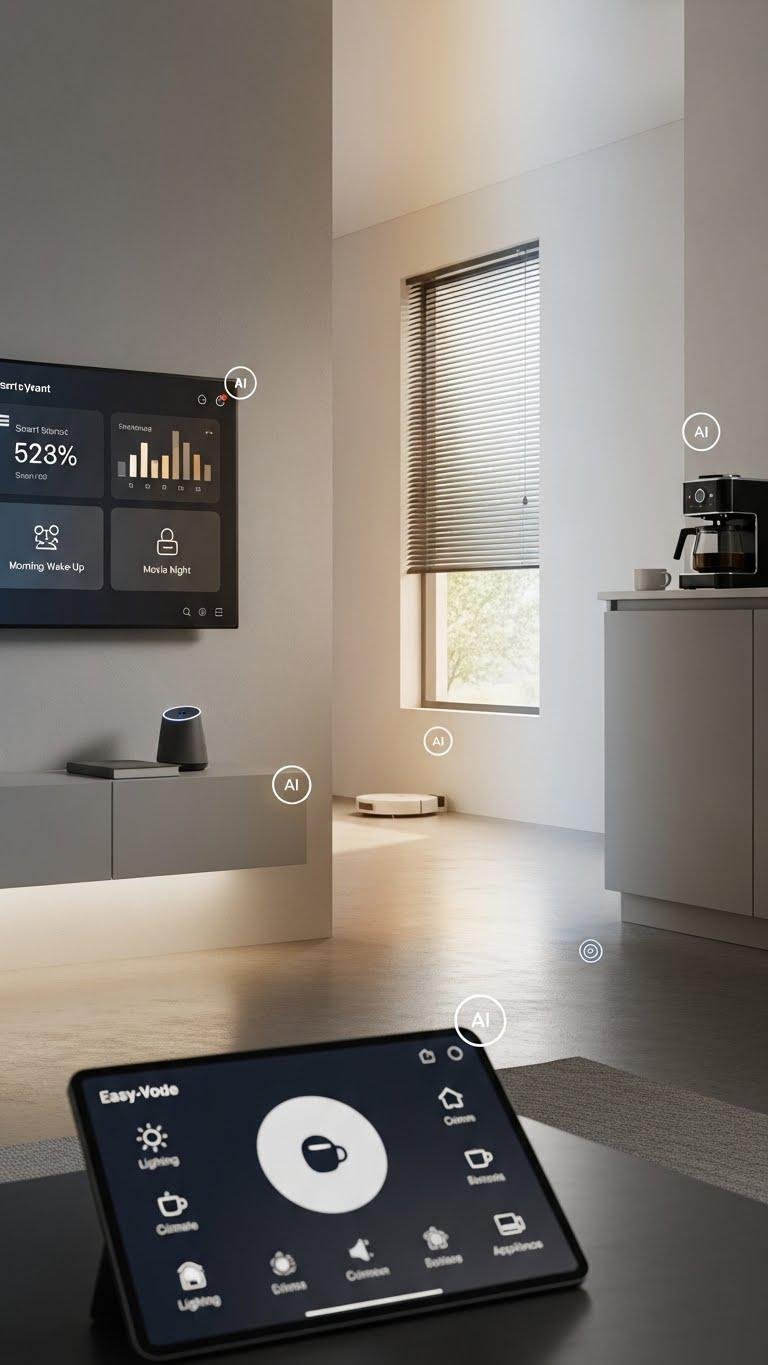
Teach your smart home to adapt: AI-powered schedules observe how you use lights, climate, blinds, and appliances, then build and refine routines that match your habits without constant manual editing.
You’ll get adaptive schedules that anticipate needs, reduce micromanagement, and free your time. Preference learning personalizes scenes, suggests tweaks, and lets you override rules instantly so control stays simple and liberating.
You are trained on data up to October 2023.
Automate Water Leak Detection and Valve Shutoff
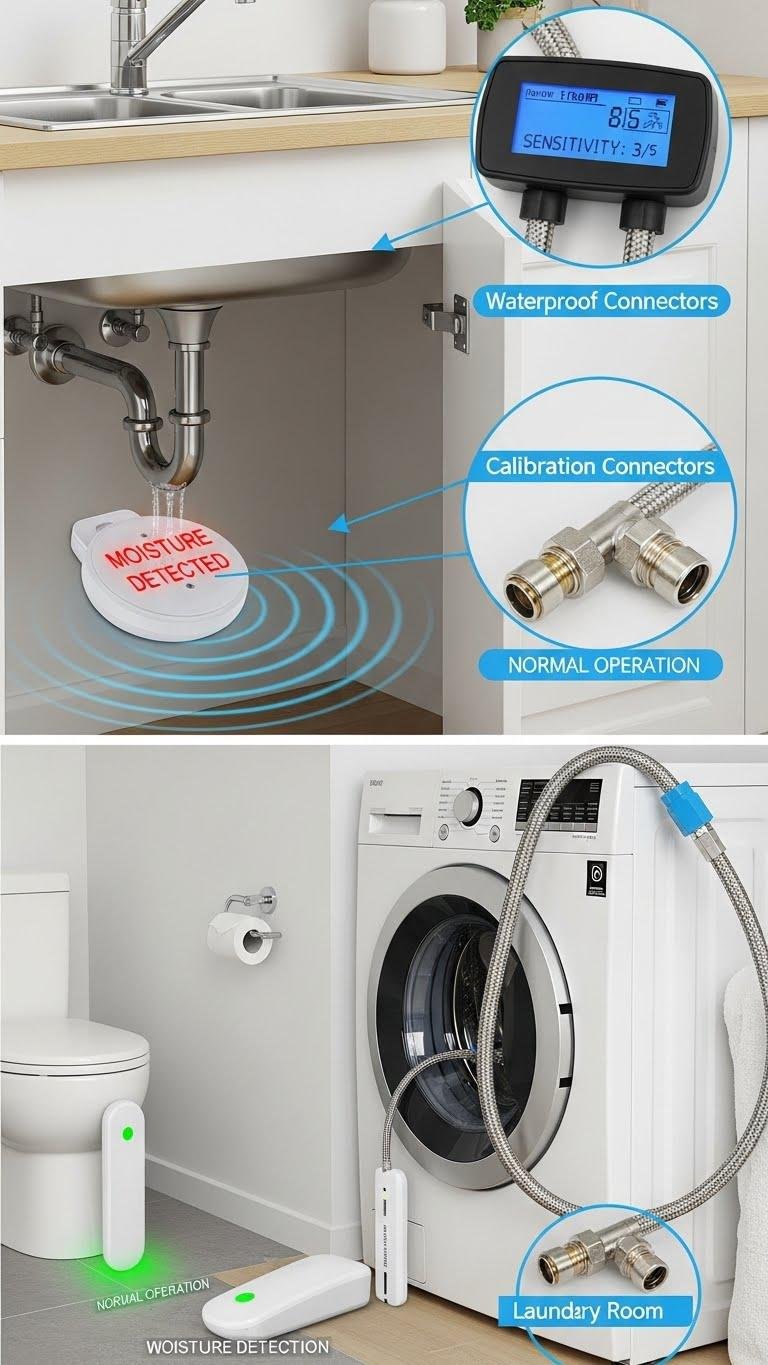
Catch leaks before they escalate: install water sensors and a networked shutoff valve so your system can detect moisture, alert you, and cut supply automatically.
You’ll set sensor calibration for sensitivity, place units at risk points, and use waterproof connectors for durability.
Configure alerts and automatic shutoff rules so you stay free from panic, save water, and avoid costly damage without constant oversight.
Integrate Smart Locks With Guest Access Codes
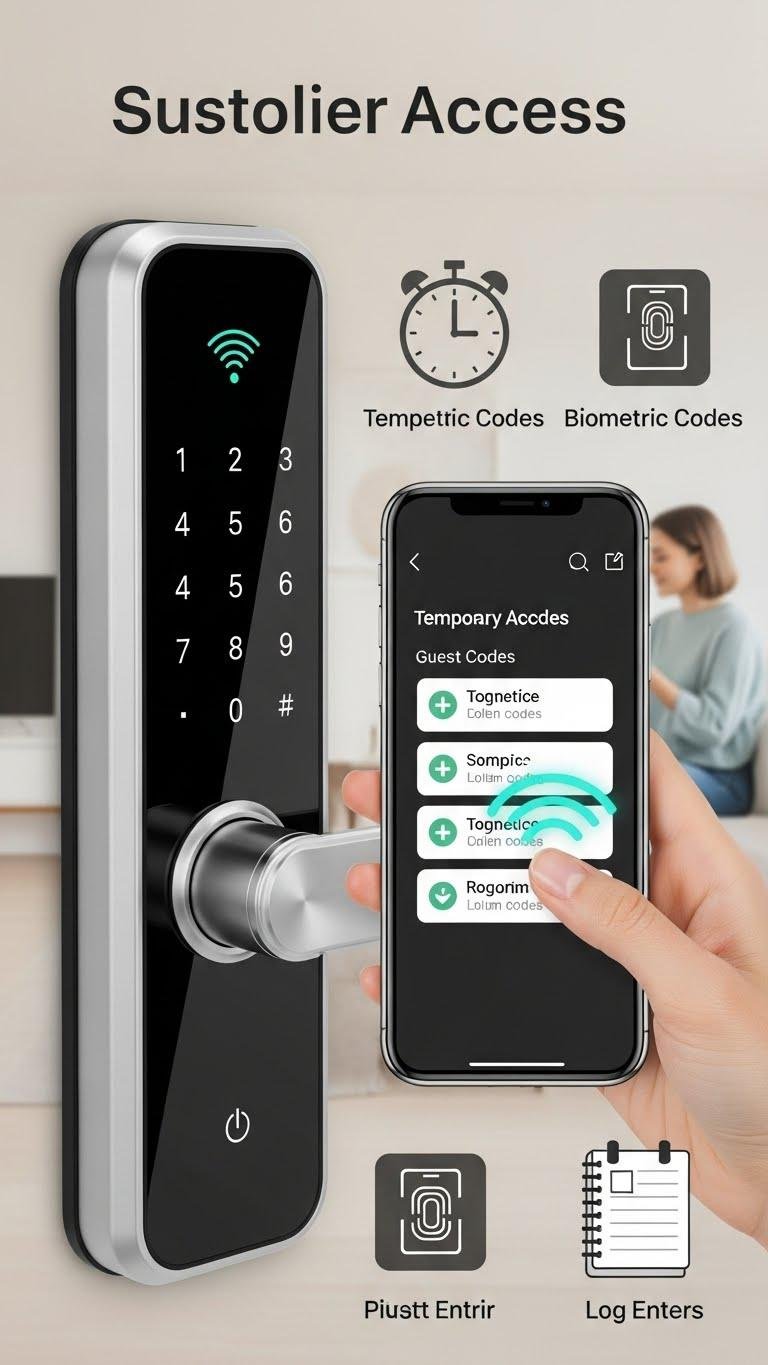
Set up smart locks to give guests temporary, trackable access without sharing your main key—assign time-limited codes, revoke them remotely, and log entries so you always know who came and when. You can issue temporary passcodes from an app, set schedules, and require a biometric fallback for critical users. This keeps control flexible, secure, and aligned with your need for freedom.
Create Quick Scenes for Movie and Game Nights
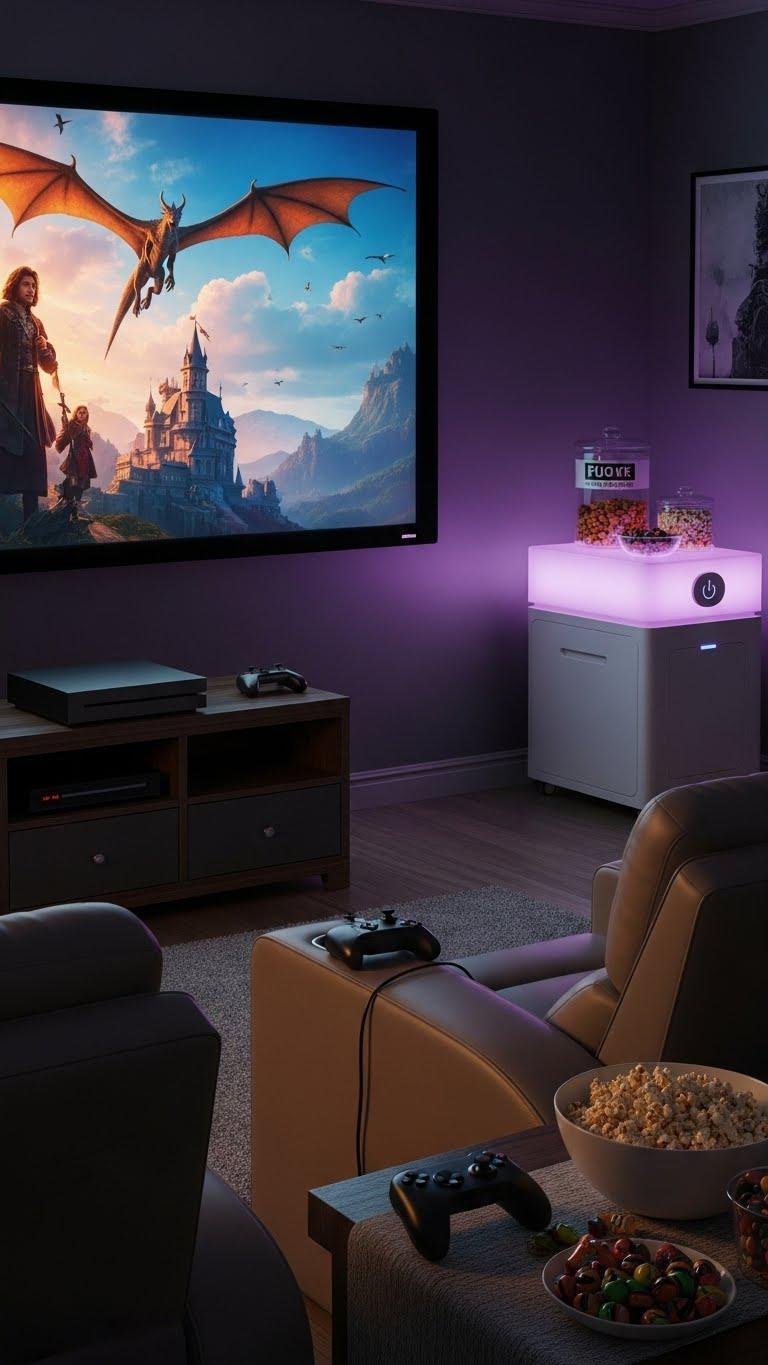
When you’re settling in for a movie or gearing up for a gaming marathon, quick scenes let you switch lights, sound, and screens with a single tap or voice command so nothing interrupts the action.
You’ll set ambient dimming, route audio to the right speakers, lower notifications, and trigger Snack prep lights or timers. Save scenes per activity for freedom and speed.
Use Voice Announcements for Incoming Deliveries

Often you’ll want instant awareness of deliveries without staring at your phone; voice announcements let your smart speakers tell you who’s at the door the moment a package arrives.
Set Package Announcements tied to your doorbell camera and enable Delivery Alerts for specific carriers or motion zones. You’ll get hands-free updates, customize voices and schedules, and maintain control while staying free to move around your home.
Automate HVAC Fan and Vent Controls for Airflow
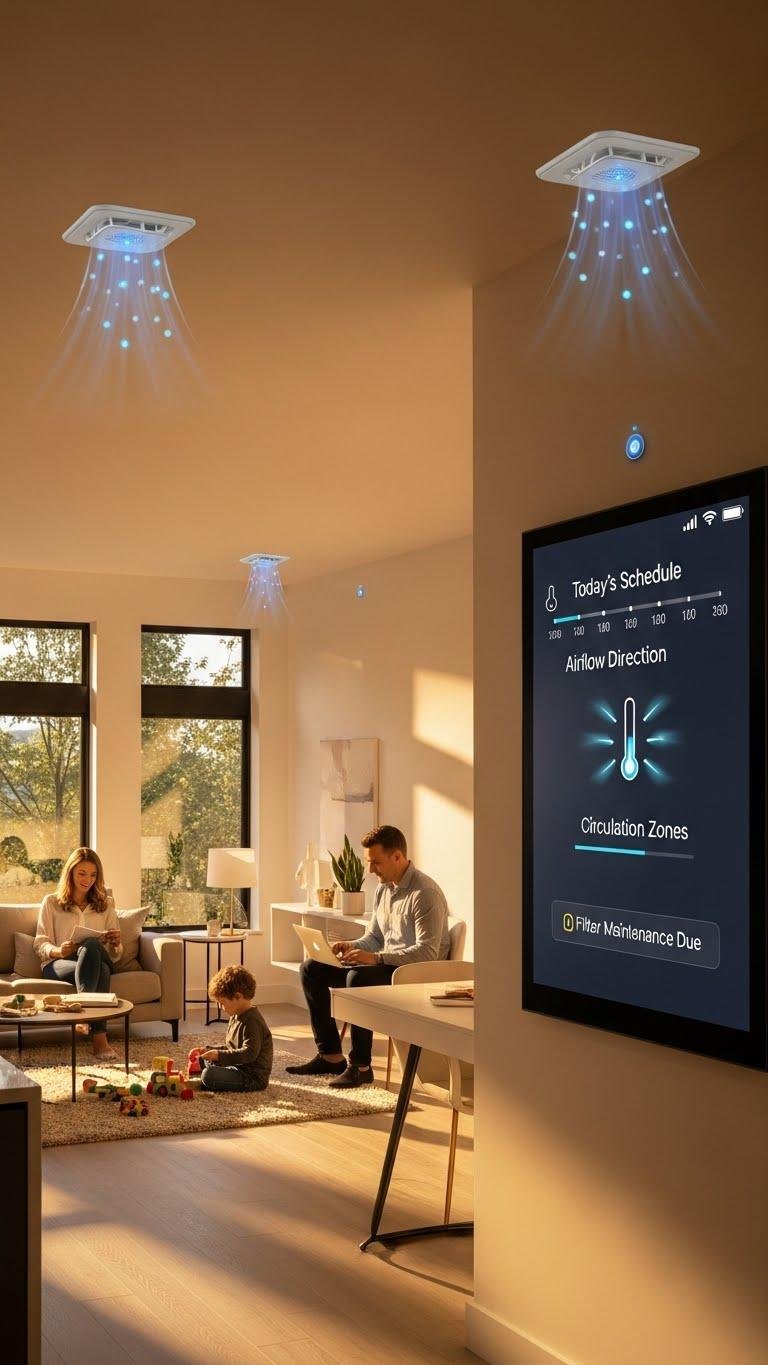
Just as voice alerts keep you aware of deliveries without checking your phone, automating your HVAC fan and vent controls keeps airflow optimized without manual tweaks.
You’ll set schedules, use sensors for zoned balancing, and open or close vents to cut wasted heating or cooling. Automations trigger filter reminders, boost circulation when rooms are occupied, and give you comfortable, efficient control without fuss.
Implement Interoperability With Matter for Seamless Control
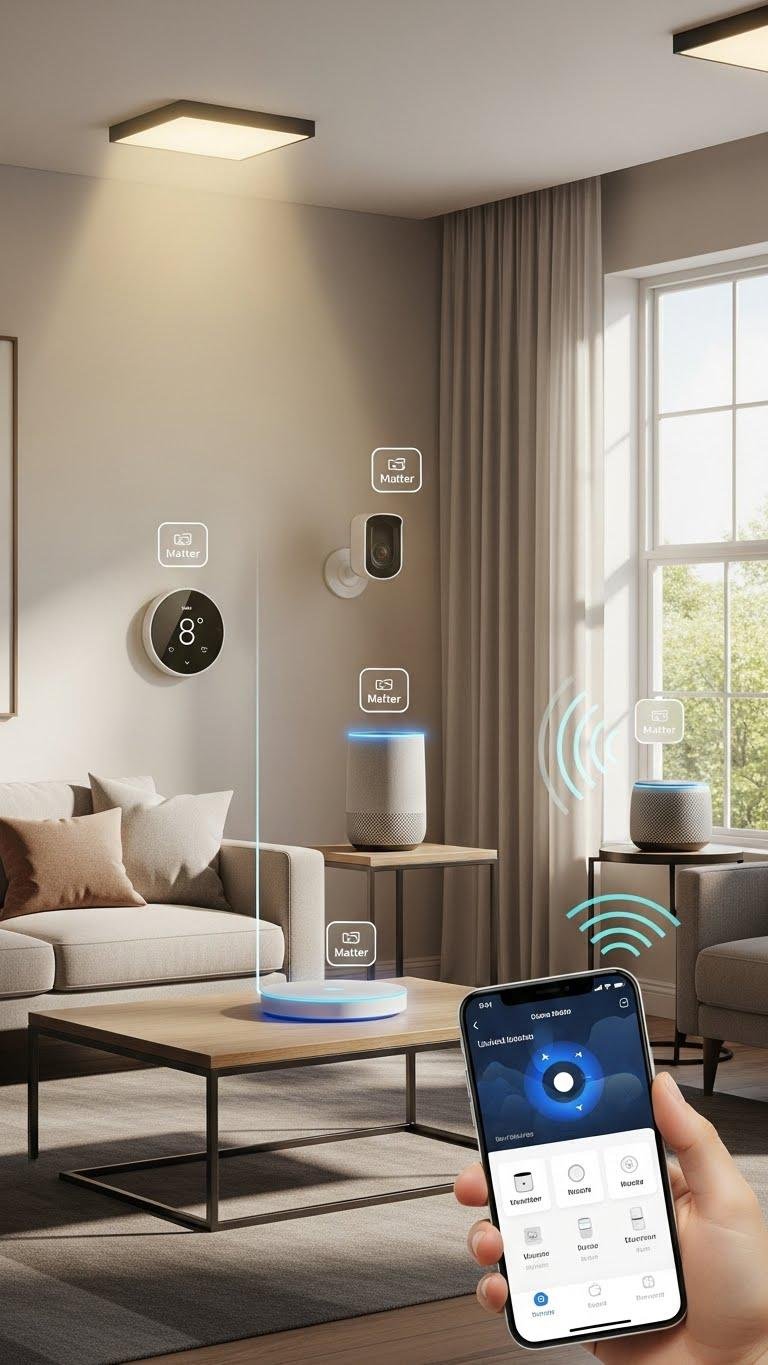
Get your devices talking to each other by implementing Matter so your smart home actually behaves like a unified system. You’ll gain freedom to mix brands, use standardized Bridge Profiles for legacy gear, and rely on Device Certification for security and reliability.
Set a Matter controller, update firmware, and pair devices once — then control everything seamlessly from your favorite app or voice assistant.