
You’ll get more done if you shape your workspace for uninterrupted focus. Start by carving a daily focus zone, set clear desk and phone-free rules, add quiet rooms or pods, and streamline routines so small resets and booking systems keep interruptions low. Practical changes — from sound masking to single-tray desk setups and status lights — reduce cognitive friction. Keep going to see the full set of 27 actionable ideas you can apply immediately.
Designate a Daily Focus Zone

Start by picking a single, uncluttered spot where you do your most important work each day—your Daily Focus Zone. You’ll claim a Morning Niche there, arranging tools, lighting, and minimal decor for freedom and flow.
Establish concise Focus Rituals: two prioritized tasks, a quick timer, and one ritual to close work. Stick to it daily so distractions bow out and productivity rises.
Create Quiet Rooms for Deep Work
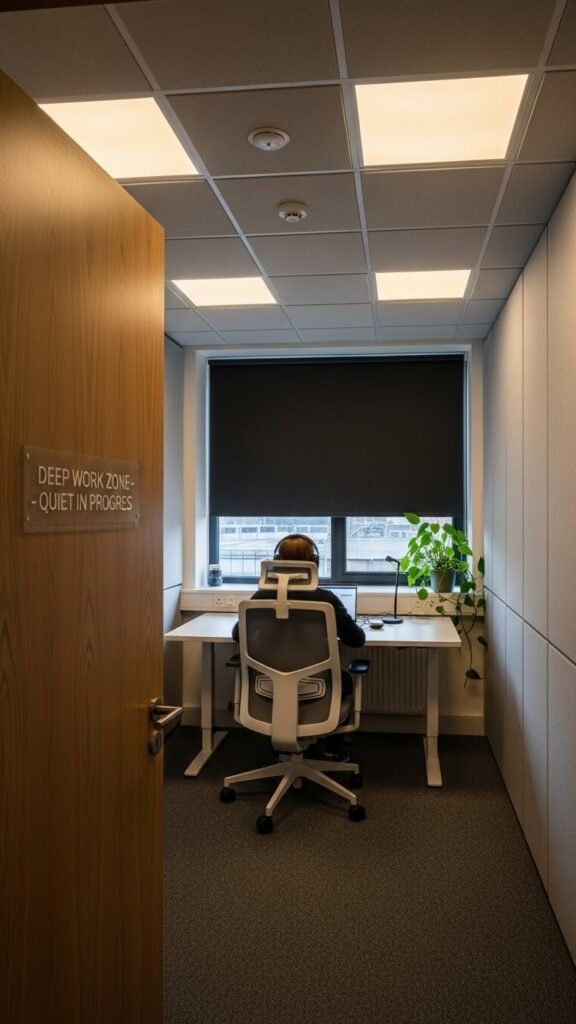
Because deep work demands uninterrupted focus, designate and outfit quiet rooms with soundproofing, adjustable lighting, and clear signage so people know they’re off-limits for casual conversations.
You’ll add acoustic booths for solo tasks, comfortable seating, and simple timers.
Post clear focus etiquette: reserved slots, brief emergency exceptions, and easy booking.
Maintain ventilation and minimal decor so you stay free to concentrate.
Introduce Sound Masking Across Open Areas
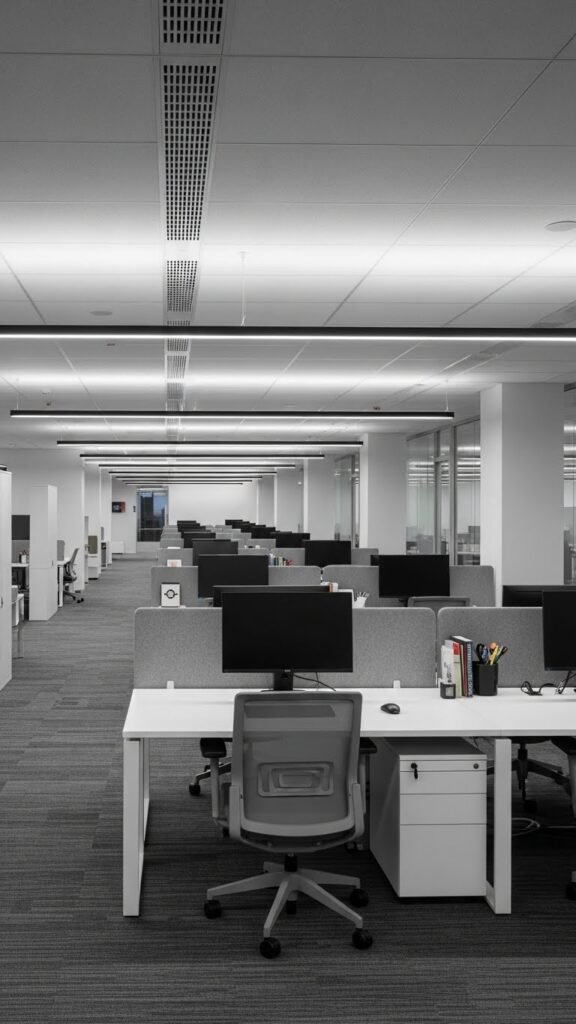
Often overlooked, sound masking reduces audible distractions in open offices by filling the space with a low-level, unobtrusive background sound that makes speech less intelligible at a distance.
You’ll implement ambient privacy using distributed emitters, avoid hotspots, and run frequency calibration to match room acoustics. Test levels during peak hours, train staff to adjust zones, and preserve flexible, focused work without oppressive silence.
Standardize Minimalist Desk Setup Guidelines
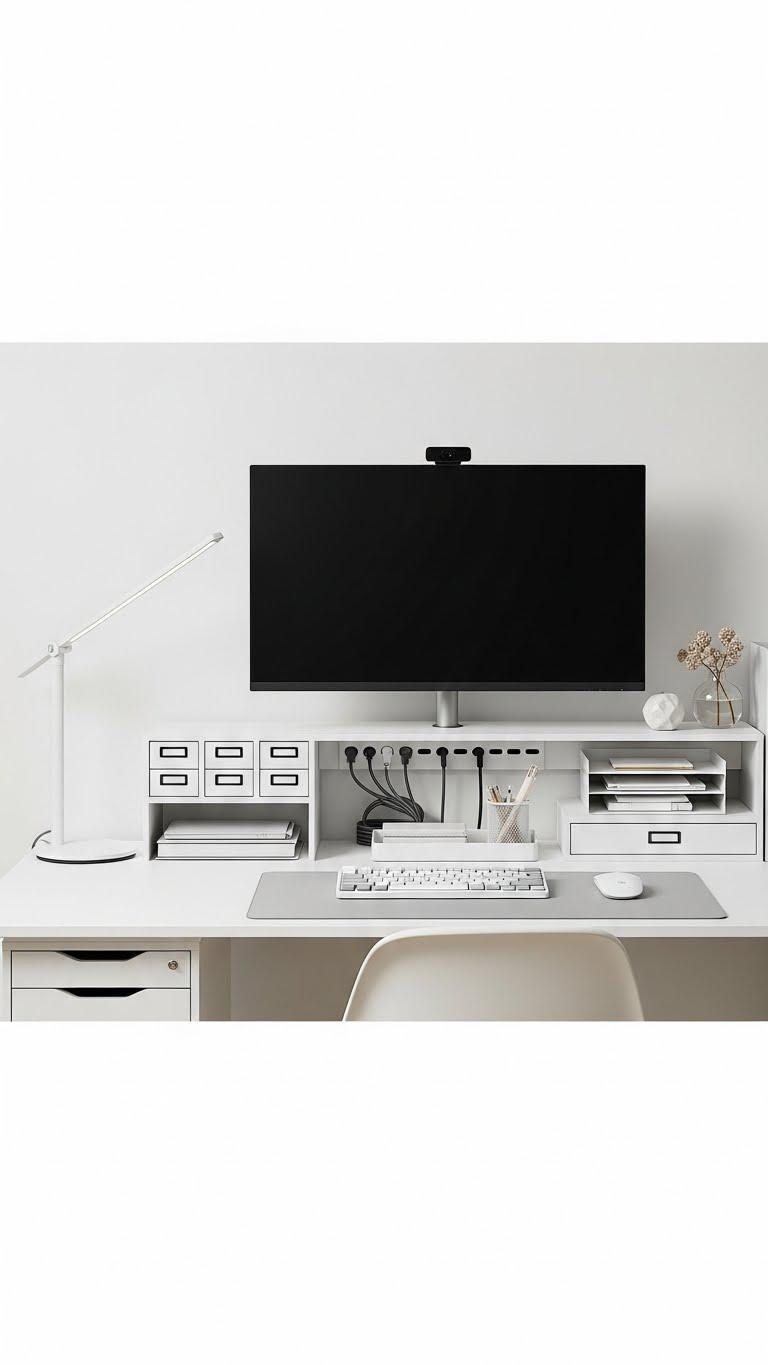
When you standardize a minimalist desk setup, you cut clutter and make work predictable: set a single monitor height, a compact keyboard and mouse, one desk lamp, a cable channel, and a small tray for essentials.
You’ll choose uniform accessories and neutral palettes so components swap easily. Keep zones fixed, label drawers, limit decor to one personal item, and maintain daily five-minute resets.
Use Visual Capacity Maps for Space Guidance

After you standardize your desk layout, map the usable space so you know exactly what fits where. Use capacity mapping to record dimensions, clearances, and tool zones. Create a simple legend and color code for visual wayfinding so you’ll grab what you need without rerouting. Update maps after changes. This keeps your environment efficient, adaptable, and under your control.
Allocate Private Pods for Concentration Tasks
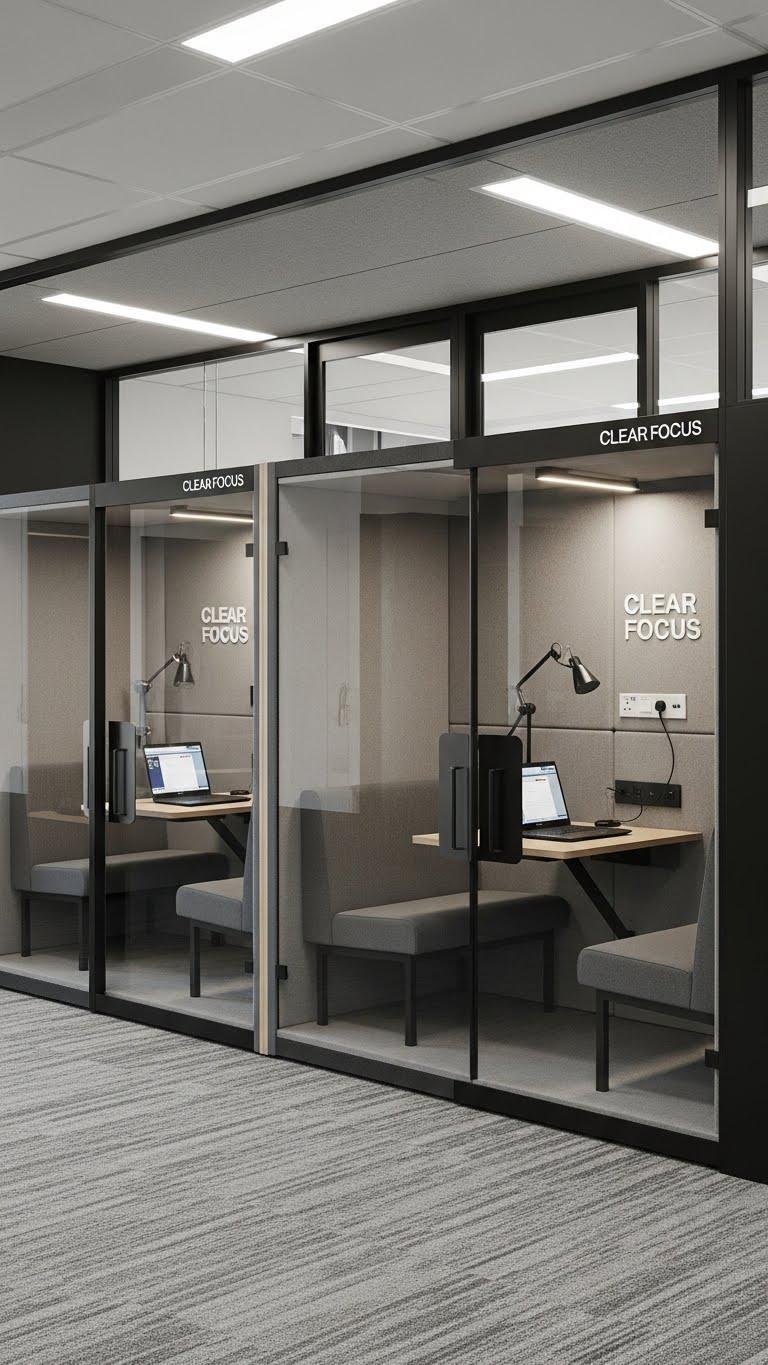
Creating private pods gives you dedicated, distraction-free zones for deep work without overhauling the whole office.
You’ll place privacy pods where noise is highest, equip each with ergonomic seating, adjustable lighting, and power outlets.
Post clear focus signage and simple booking rules so people respect solitude.
Keep pods modular so you can reconfigure layout quickly, preserving autonomy and efficient flow.
Implement Clear Channel Rules for Communication
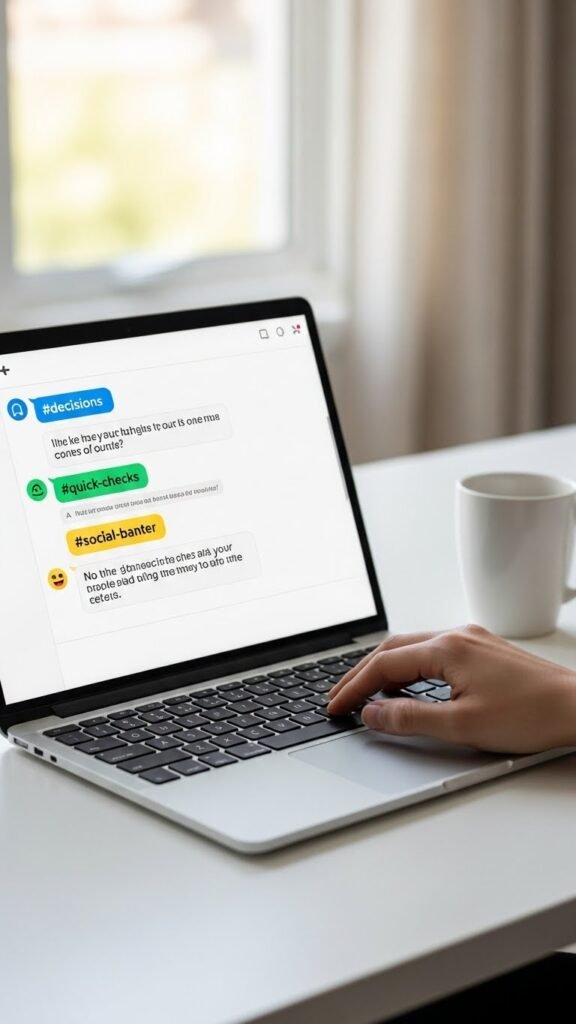
Remote days boost deep work, but they only pay off when communication stays crisp. Set Channel Etiquette: designate channels for decisions, quick checks, and social banter.
Publish Response SLAs so everyone knows expected reply windows. You’ll preserve focus by routing interruptions properly, letting people choose when to block time, and keeping meetings for unresolved, high-value topics only.
Offer Noise-Cancelling Headphones to Staff

Often a pair of good noise-cancelling headphones is the simplest productivity boost you can give your team: they cut background noise, signal focused work time, and reduce context-switching costs.
You’ll provide wireless comfort options, set clear noise policies, and let staff choose when to use them.
Empowering personal focus preserves autonomy, lowers interruptions, and improves output without micromanaging schedules or spaces.
Provide Ergonomic Tools and Adjustable Desks
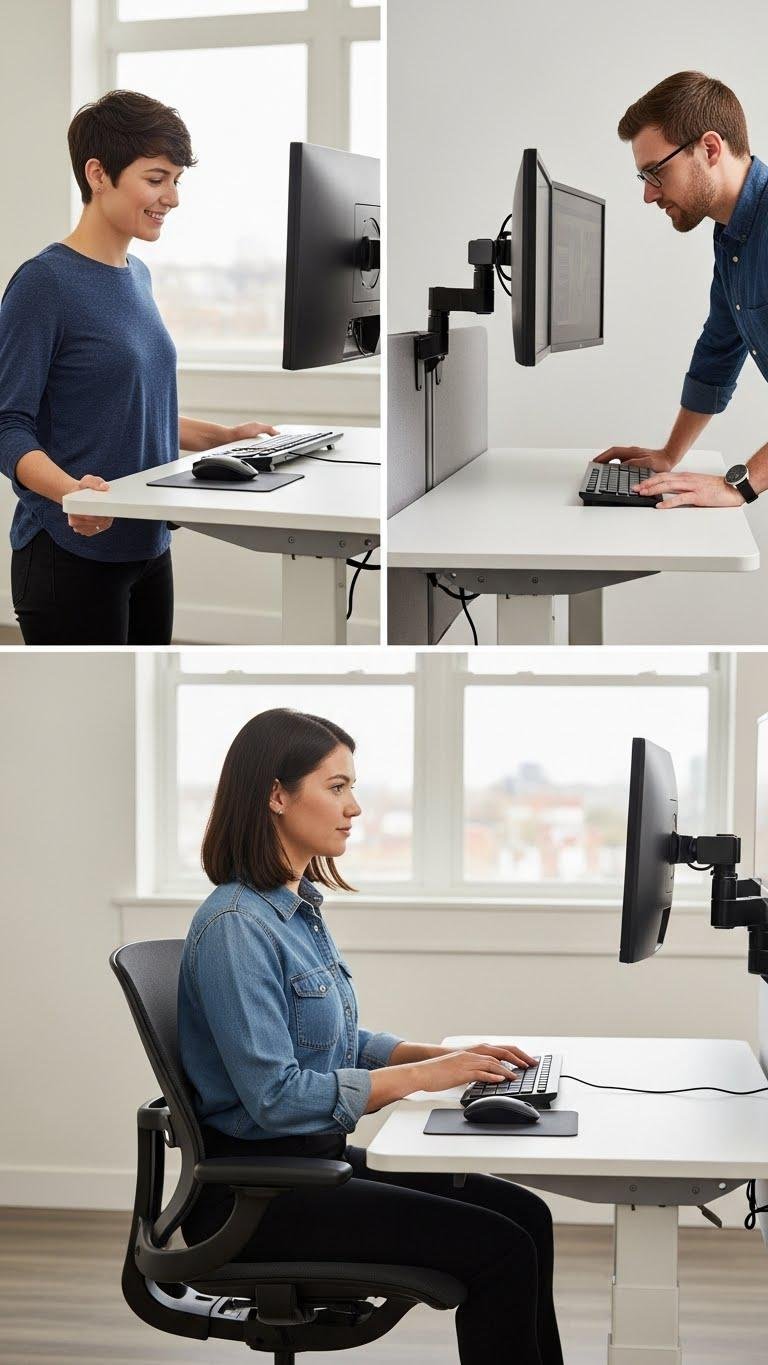
Once meetings wrap with clear owners and fewer attendees, protect the time people spend doing focused work by giving them ergonomic tools and adjustable desks that reduce fatigue and prevent strain.
Equip workstations with adjustable monitor arms and ergonomic keyboard trays, height-adjustable desks, supportive chairs, and clear setup guidelines. Encourage personal adjustments so everyone can move freely, sustain focus, and avoid recurring discomfort.
Curate Clutter-Free Shared Storage Solutions
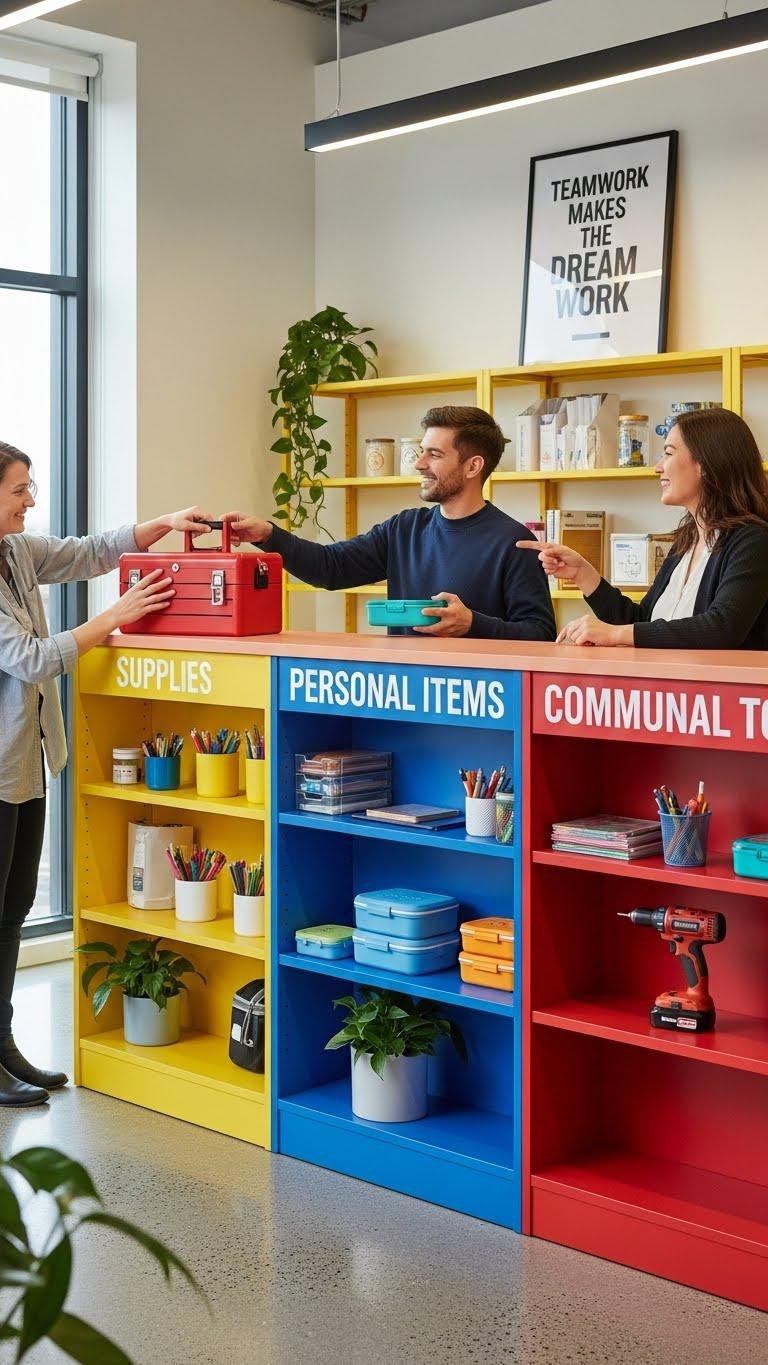
By organizing shared storage with clear zones and consistent labeling, you make it easy for everyone to find what they need and put things back where they belong.
Define specific spots on shared shelving for supplies, personal items, and communal tools. Implement a simple label system, color-code categories, and set short rules so teammates respect order and enjoy more freedom to focus.
Schedule Midweek Distribution of Quiet Spaces
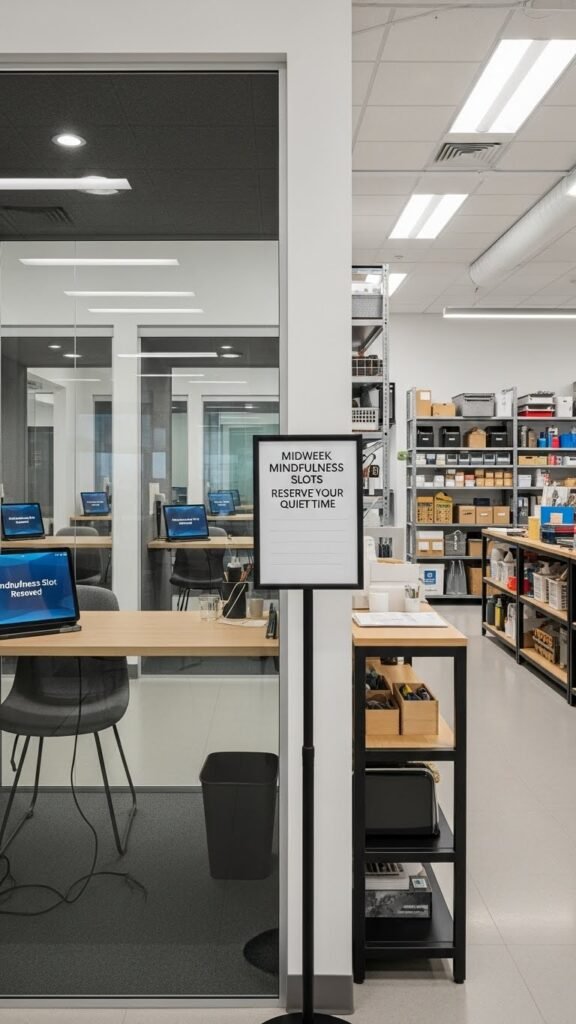
Shared storage keeps tools and supplies orderly, but you also need predictable quiet spaces so focused work doesn’t get interrupted. Schedule midweek mindfulness slots—reserve rooms in advance, rotate access, and post a simple sign-up.
Pair this with staggered lunchhours to reduce traffic and preserve silence. You’ll gift the team flexible solitude, clear expectations, and measurable blocks for deep concentration.
Encourage Single-Tasking During Team Meetings

Regularly ask your team to single-task during meetings so everyone gives full attention to the agenda and avoids switch-costs that waste time.
You set Agenda Minimalism: clear goals, one topic per block.
Enforce an Interrupt Protocol: raise hand, note offline items, and limit clarifying questions.
You’ll protect focus, speed decisions, and preserve personal freedom to deep-work after concise, disciplined gatherings.
Deploy Digital Booking for Focus Rooms
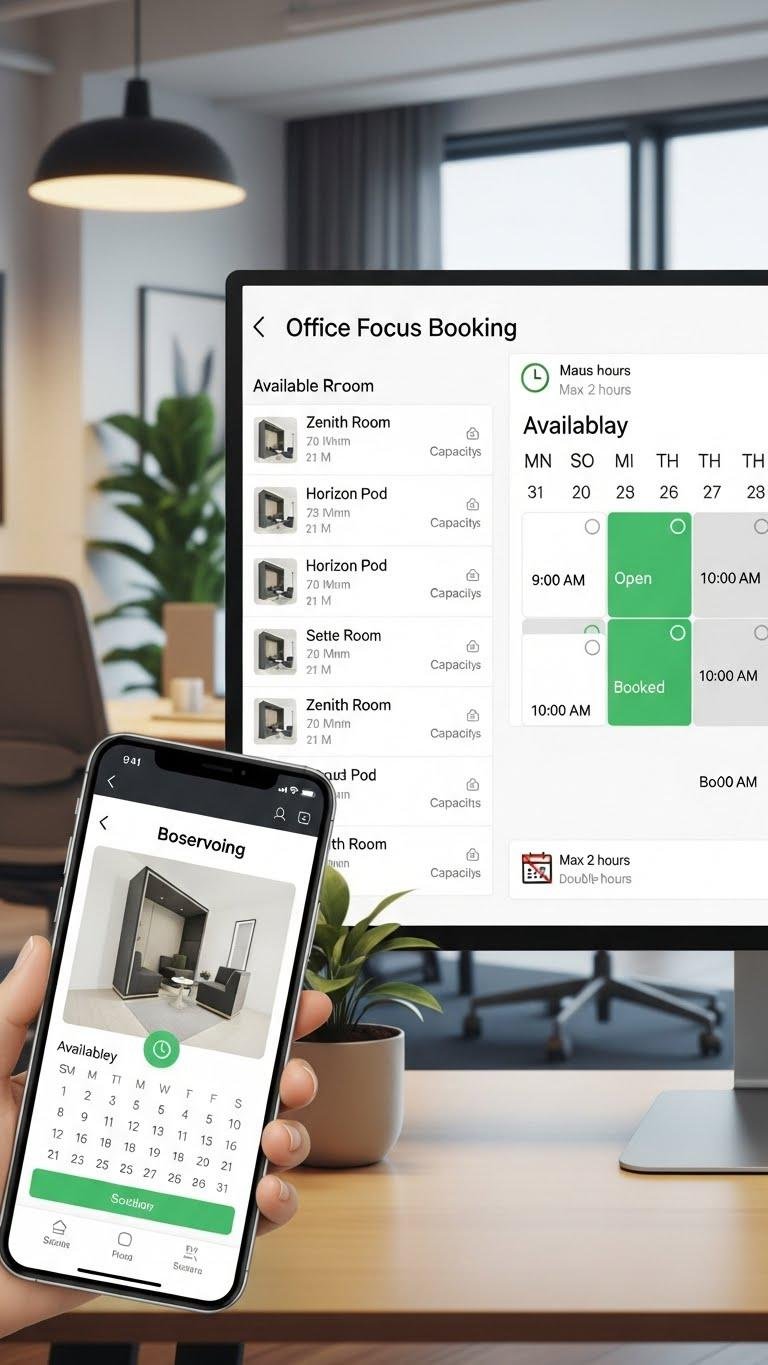
When you deploy a digital booking system for focus rooms, you make it easy for people to reserve quiet time, avoid double-booking, and see room availability at a glance.
You’ll offer mobile booking, integrate predictive availability to suggest ideal slots, and set clear rules for durations.
This preserves autonomy, prevents interruptions, and keeps focus rooms accessible without managerial gatekeeping.
Enable Asynchronous Updates to Cut Meeting Load

Cut meeting load by shifting status updates and routine decisions into asynchronous channels so you only gather people for high-value discussion.
You’ll set clear templates for asynchronous briefings, require concise updates, and route metrics to async dashboards.
Trust teammates to act on documented conclusions, set deadlines for responses, and reserve synchronous time for brainstorming and escalation, preserving focus and freedom to work uninterrupted.
Establish Visual Cues for Availability Status

Why not make availability unmistakable at a glance? Use status lights on desks or headsets and link them to availability calendars so everyone sees when you’re focused, free, or in deep work.
Keep colors standardized, position lights visibly, and update calendar blocks in real time. You’ll protect uninterrupted time, reclaim flexibility, and empower colleagues to respect clear, simple signals.
Organize Cables and Tech With Dedicated Stations
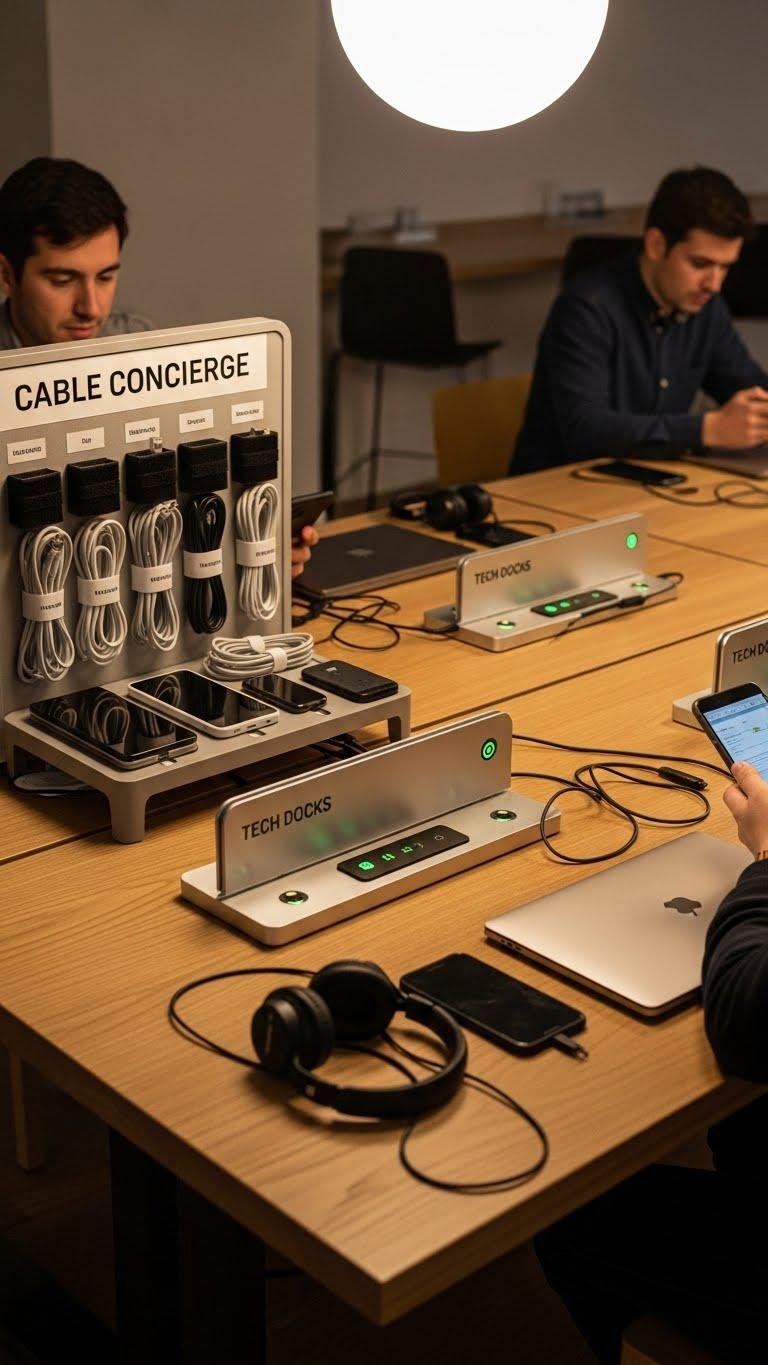
Clear availability signals reduce interruptions, but they won’t help if tangled cables and scattered chargers make devices hard to find or share.
Set a Cable concierge station with labeled cords, Velcro ties, and a charging tray. Install Tech docks for laptops, phones, and headphones near shared tables.
You’ll speed handoffs, cut clutter, and keep mobility and focus uncompromised.
Offer Flexible Hours to Align With Circadian Peaks

When you let people shift their start and end times around their personal circadian peaks, you get sharper focus and fewer midday energy crashes across the team.
You’ll offer Flexible start times, run Chronotype workshops to map preferences, and set core collaboration windows.
Document expectations, track outcomes, and let individuals claim peak hours.
That freedom boosts productivity, morale, and predictable coverage.
Implement Clear Desk Policies at Day’s End
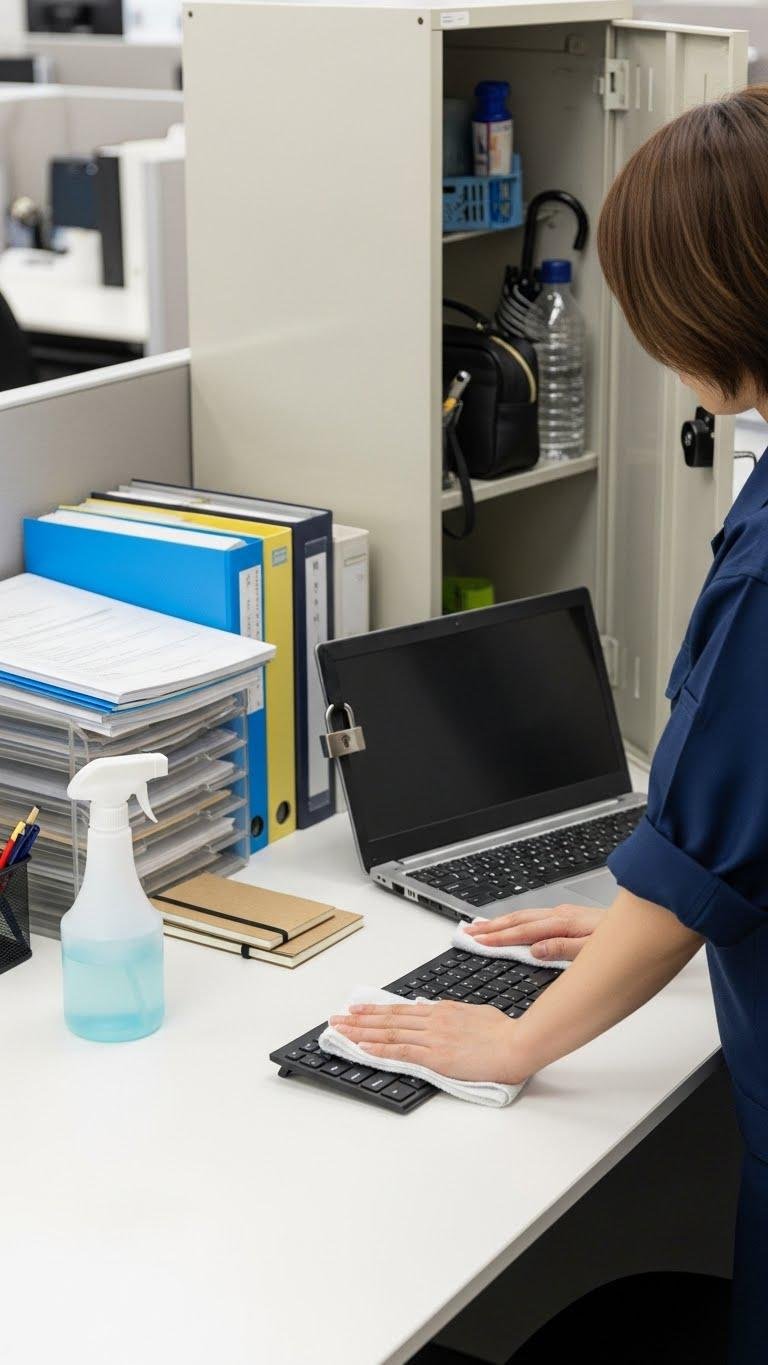
Regularly ending the day with a tidy workspace boosts security, reduces distractions, and speeds morning startup for everyone.
You’ll enforce a clear desk habit with simple end of day checkpoints: stash documents, lock devices, use personal item lockers for extras, and run quick wipe downs on surfaces and keyboards.
Keep the checklist visible, brief, and optional for autonomy but expected.
Use AI Tools to Automate Repetitive Communications
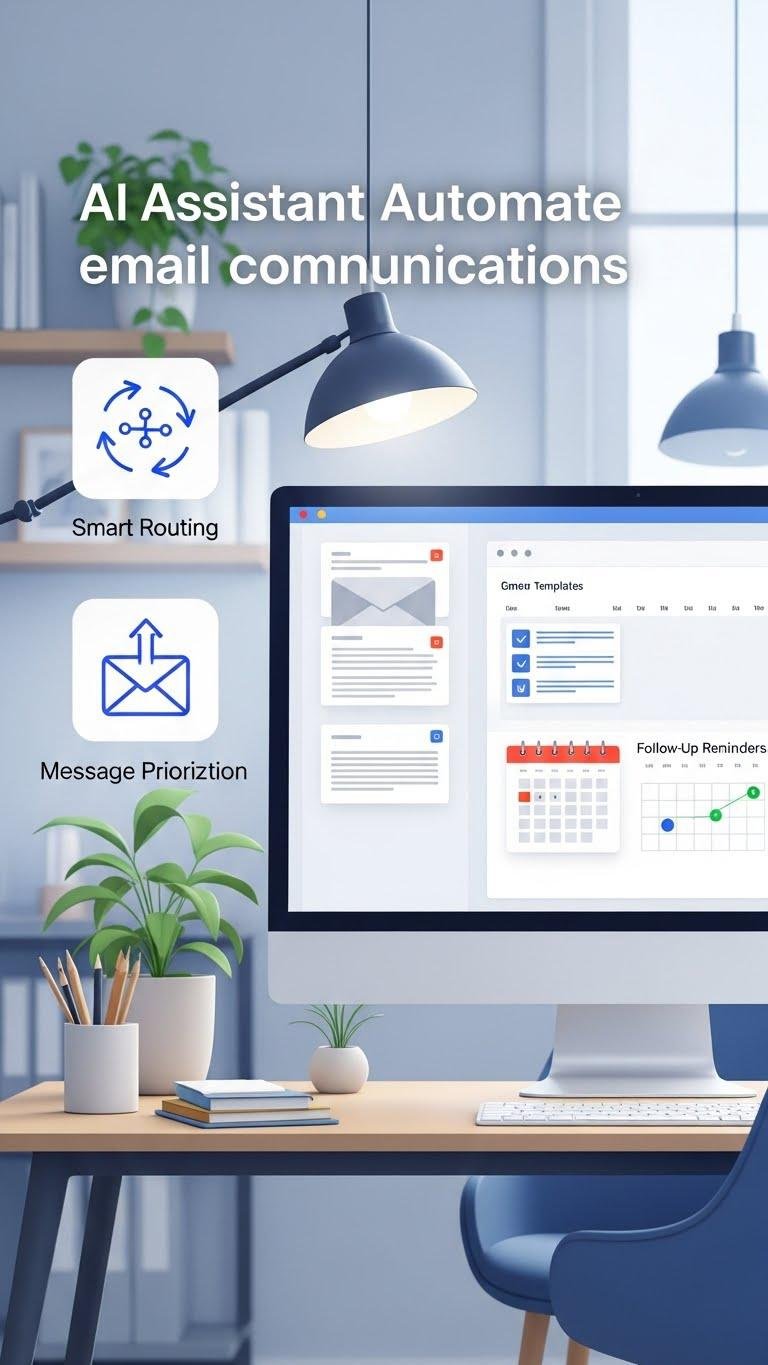
Automating routine emails and messages with AI saves you time and guarantees consistent, professional responses; set templates for common inquiries, schedule follow-ups, and use smart routing to flag messages needing human attention.
Use AI assistants to draft and personalize replies, maintain Message templates for speed, and auto-prioritize threads. You’ll reclaim focus and freedom while ensuring timely, error-free communication without constant manual oversight.
Designate Green Spaces for Short Rest and Reset
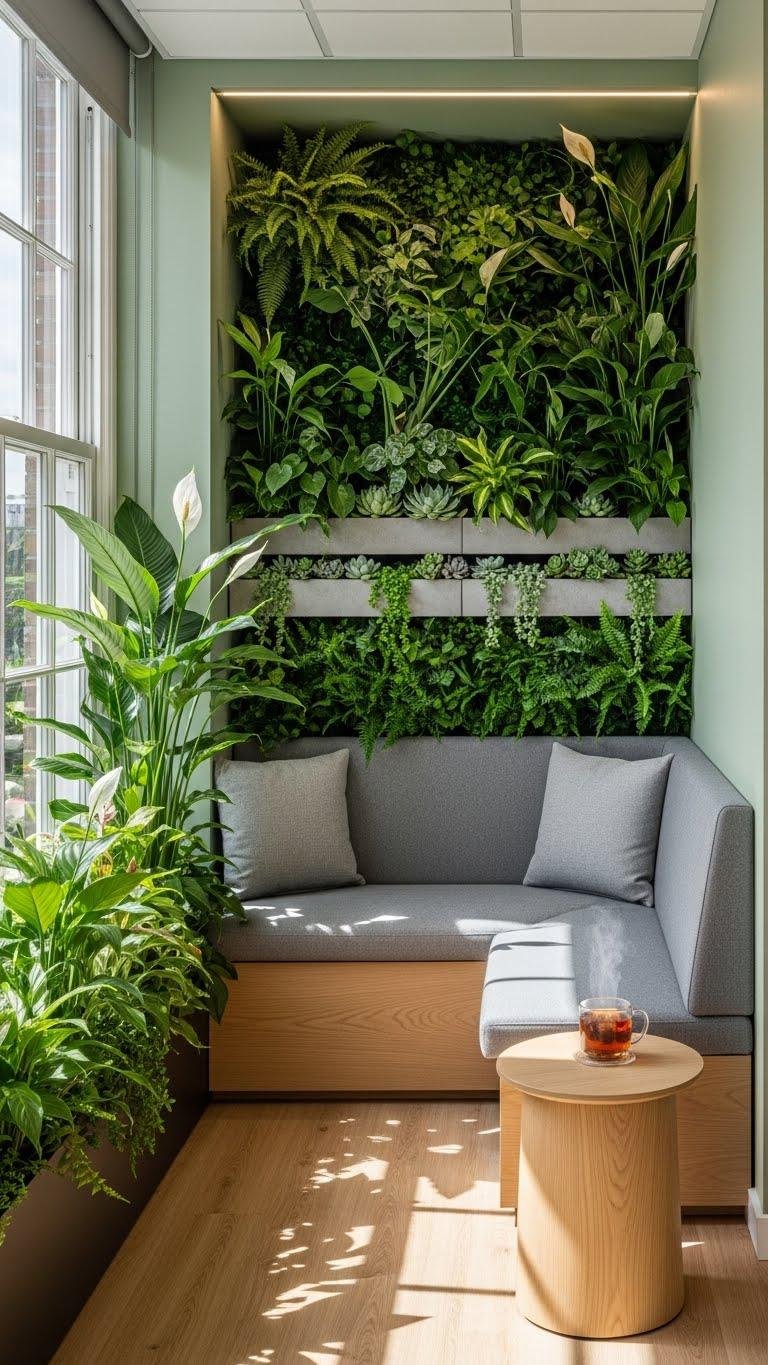
If you want quick mental resets that actually work, carve out a small green space in your office with plants, natural light, and a comfortable seat so you can step away for two- to ten-minute breaks; these micro-escapes lower stress, restore focus, and prevent burnout without disrupting workflow.
Create micro break gardens or biophilic nooks with low-maintenance plants, a cushion, and soft lighting to reset fast.
Track Workspace Usage to Continuously Improve Layout
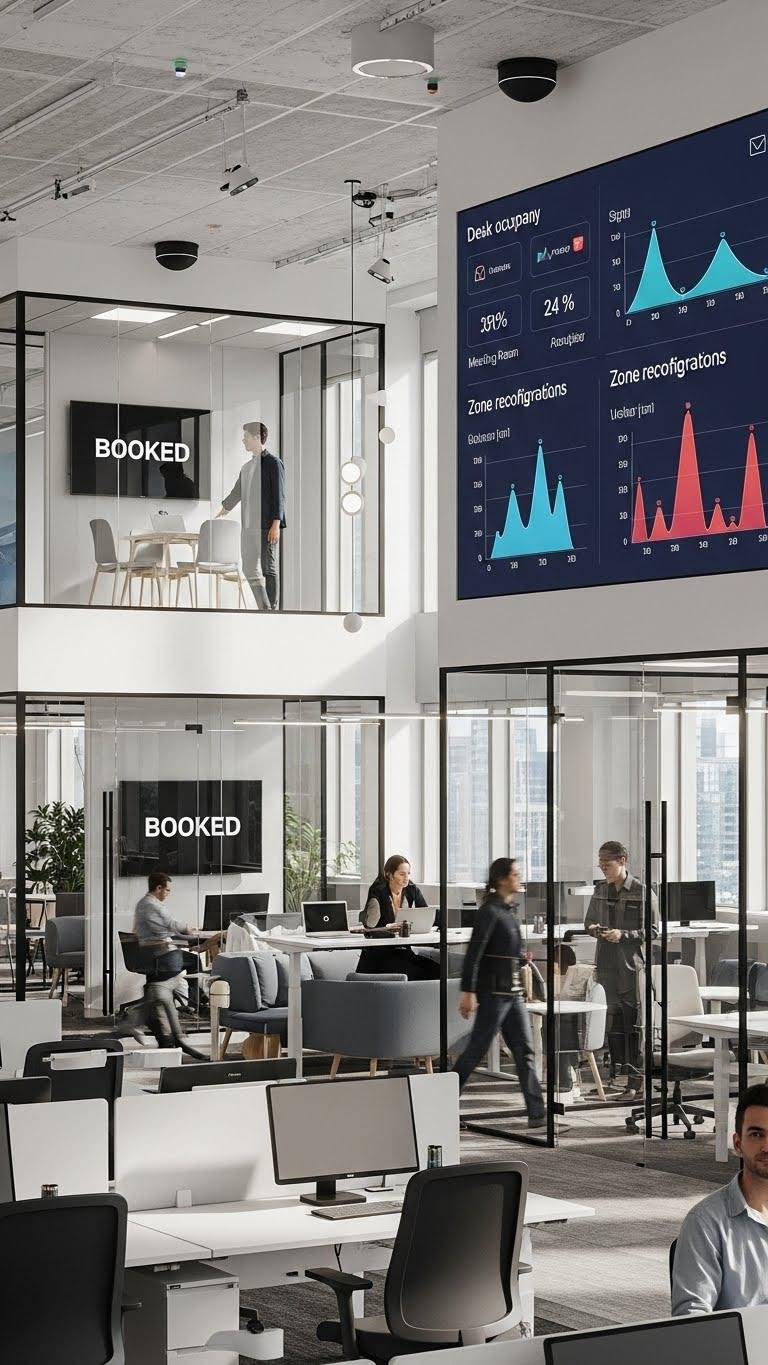
Start by mapping how people actually use the space: note when desks sit empty, which meeting rooms stay booked, and where bottlenecks form during peak hours.
Then deploy simple sensors, check sensor calibration regularly, and review usage analytics weekly.
You’ll reconfigure zones to boost flow, free up coveted quiet areas, and permit flexible setups that honor autonomy while reducing wasted square footage.